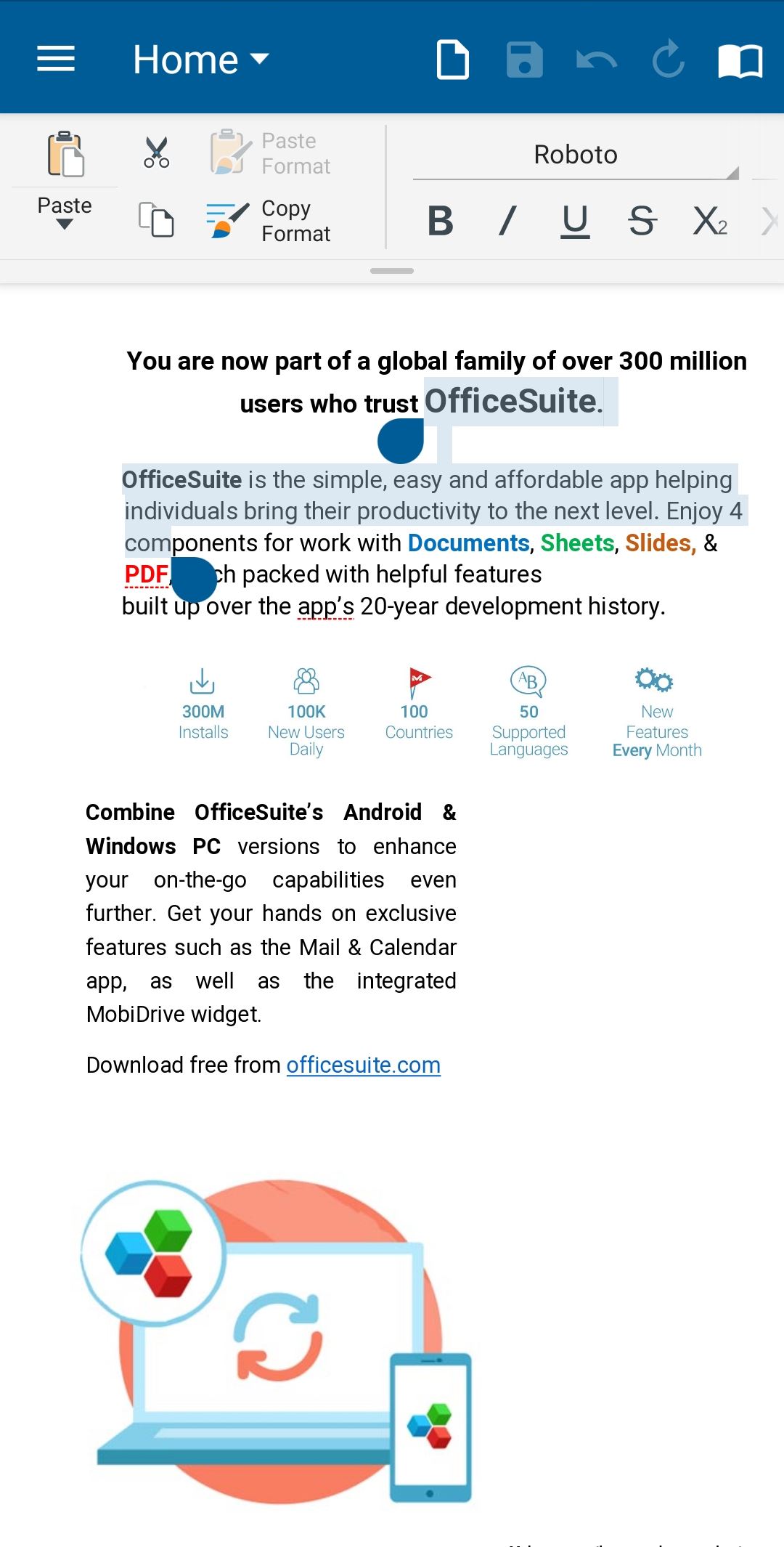
The Selection options in MobiDocs on Android offer a convenient way to select any part of the content or the entire content (text, images, etc), after which you can manage it per your choice.
Select all content
1. Open a Document file on your Android device.
2. On the Home Tab, slide left, and tap Select All.
Select a part of the Document
1. Double-tap on any word to select it. Selection handles will appear.
2. Drag the selection handles to make the selection.