Organizing information in a clear and structured way can greatly improve your document’s readability. With MobiDocs, inserting tables is a straightforward process that helps present your data more effectively.
Insert a basic table in MobiDocs on your Android device:
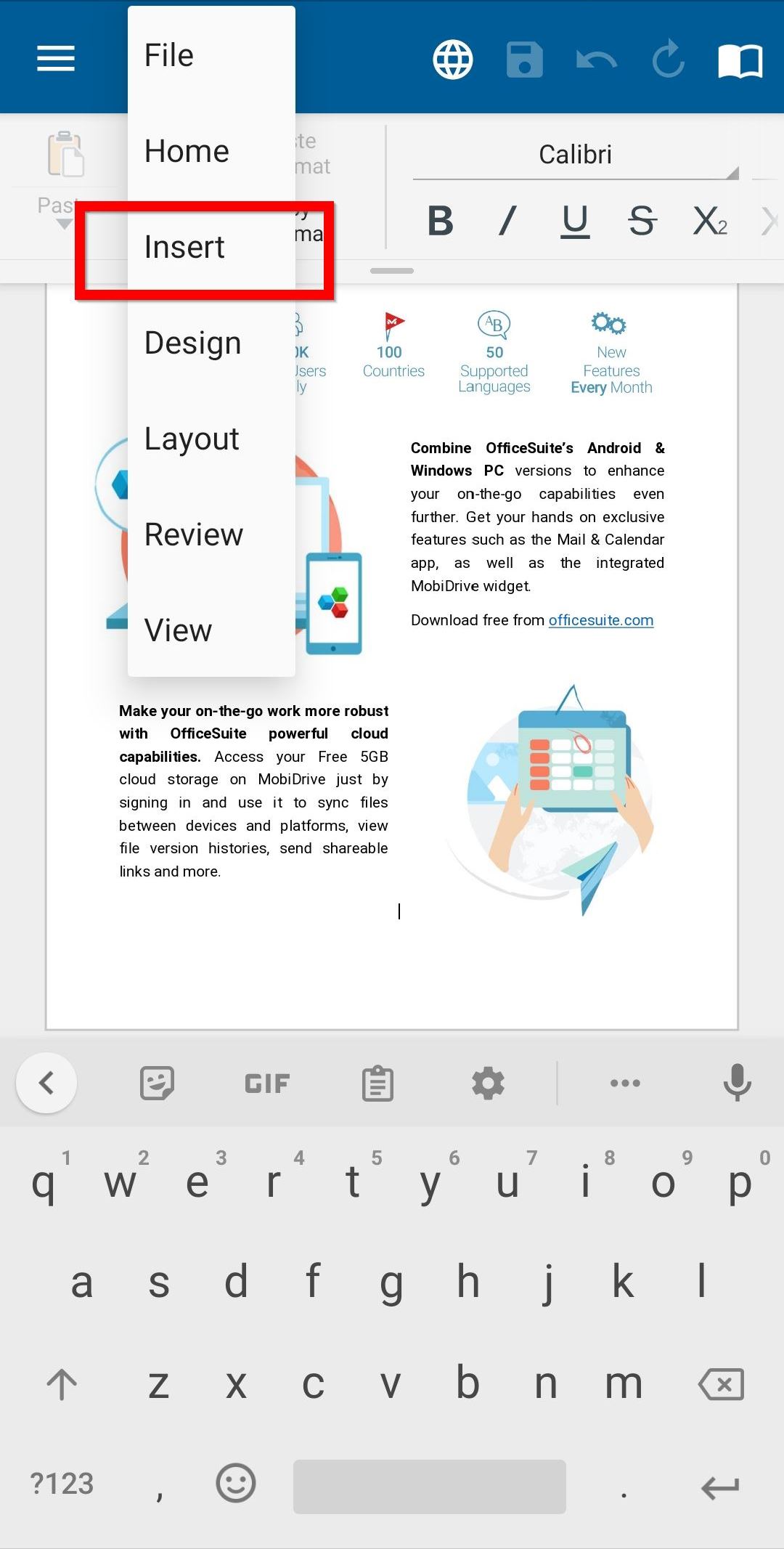
1. From the tabs dropdown, select Insert.
2. Tap Table.
3. From the bottom sheet, highlight/select the number of columns and rows you want, then tap Insert.