Slide layouts are predefined arrangements for your slide content. Choose a layout from the menu in MobiSlides, then insert your words and graphics.
Add a new slide
1. Open or create a Presentation on your Android device. Go to the slide you want your new slide to follow.
2. On the Home tab, tap New Slide.
3. In the expandable bottom sheet, select the layout type you want.
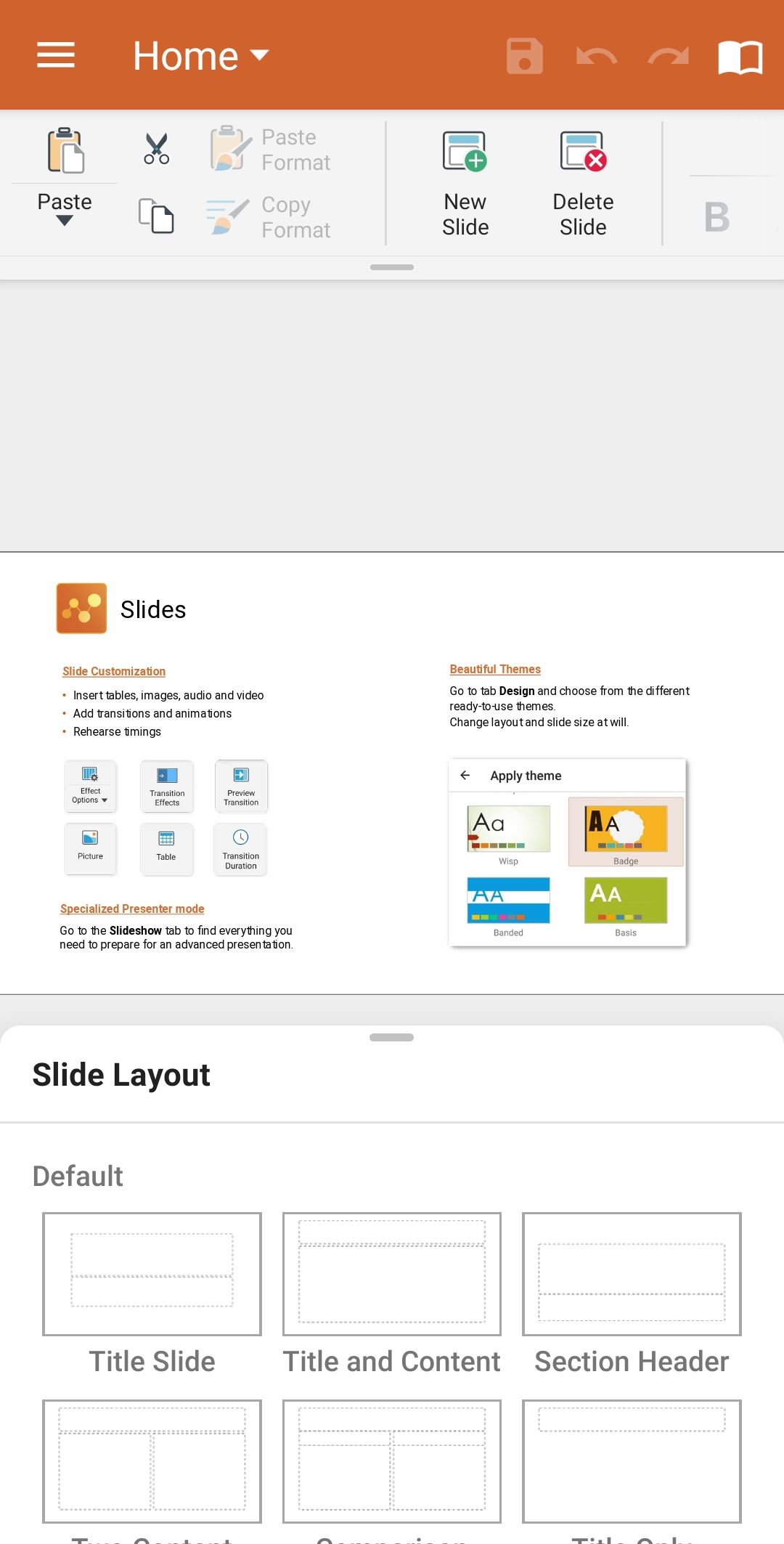
How to change the layout type
1. Switch to the Design tab.
2. Tap Change layout.

3. Choose from the layout options in the expandable bottom sheet.