To remove a password from a document, you have to know the original password.
1. Open the document and enter its password.
2. On the File tab, tap Protect.
3. In the password field, on the on-screen keyboard, tap the Backspace key.
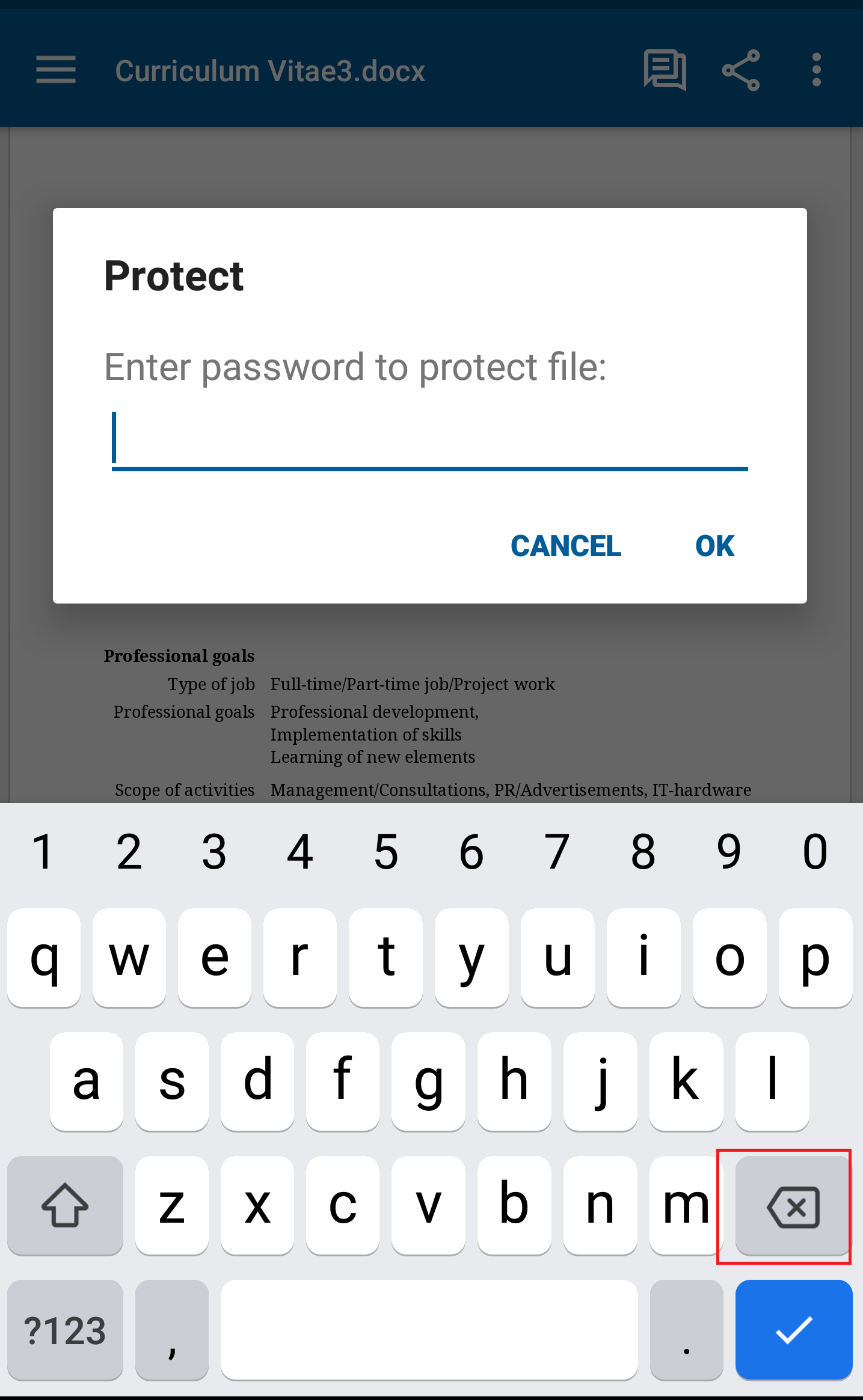
4. Tap OK and save the document.