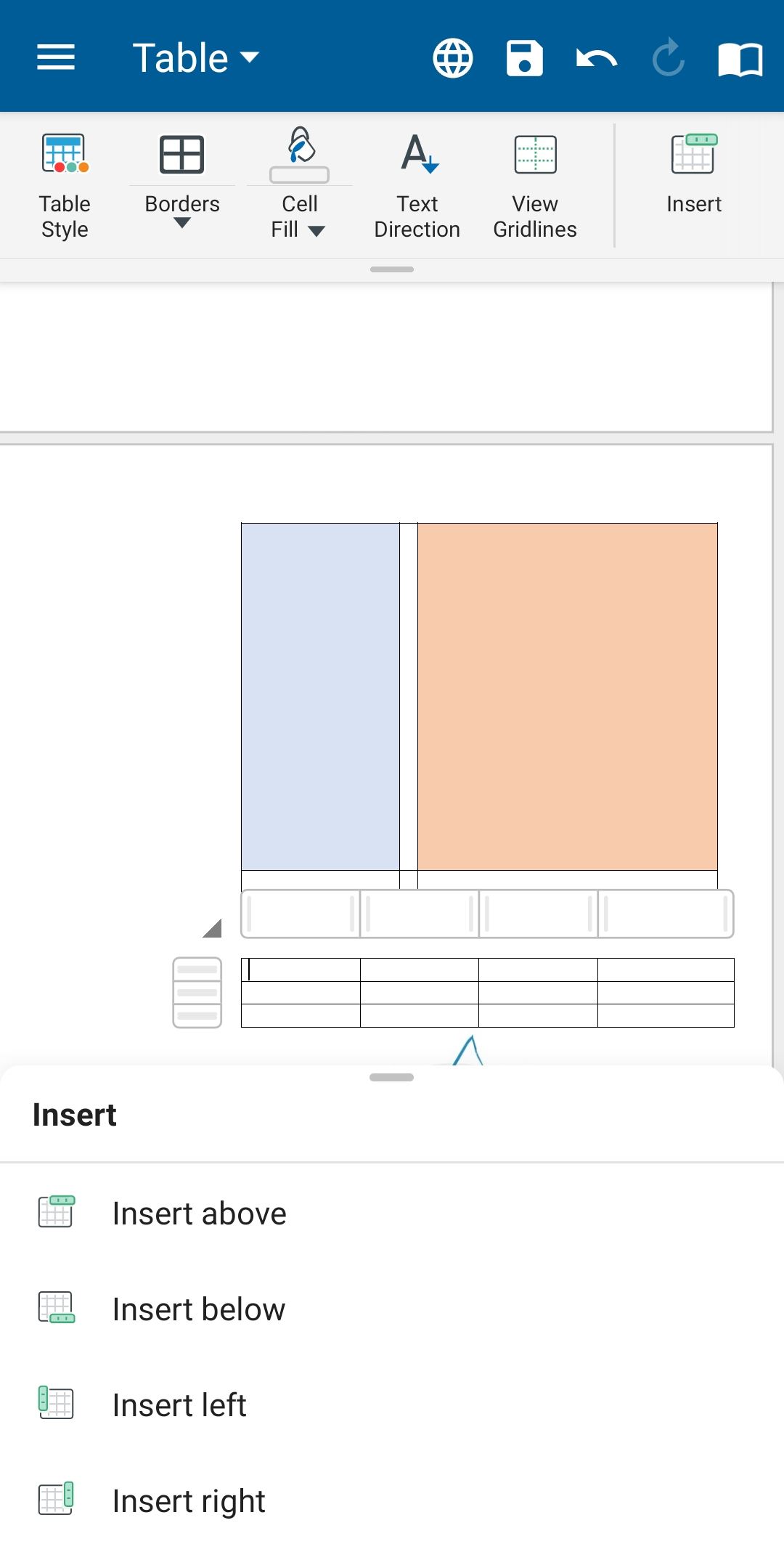
1. Tap in a cell of the table.
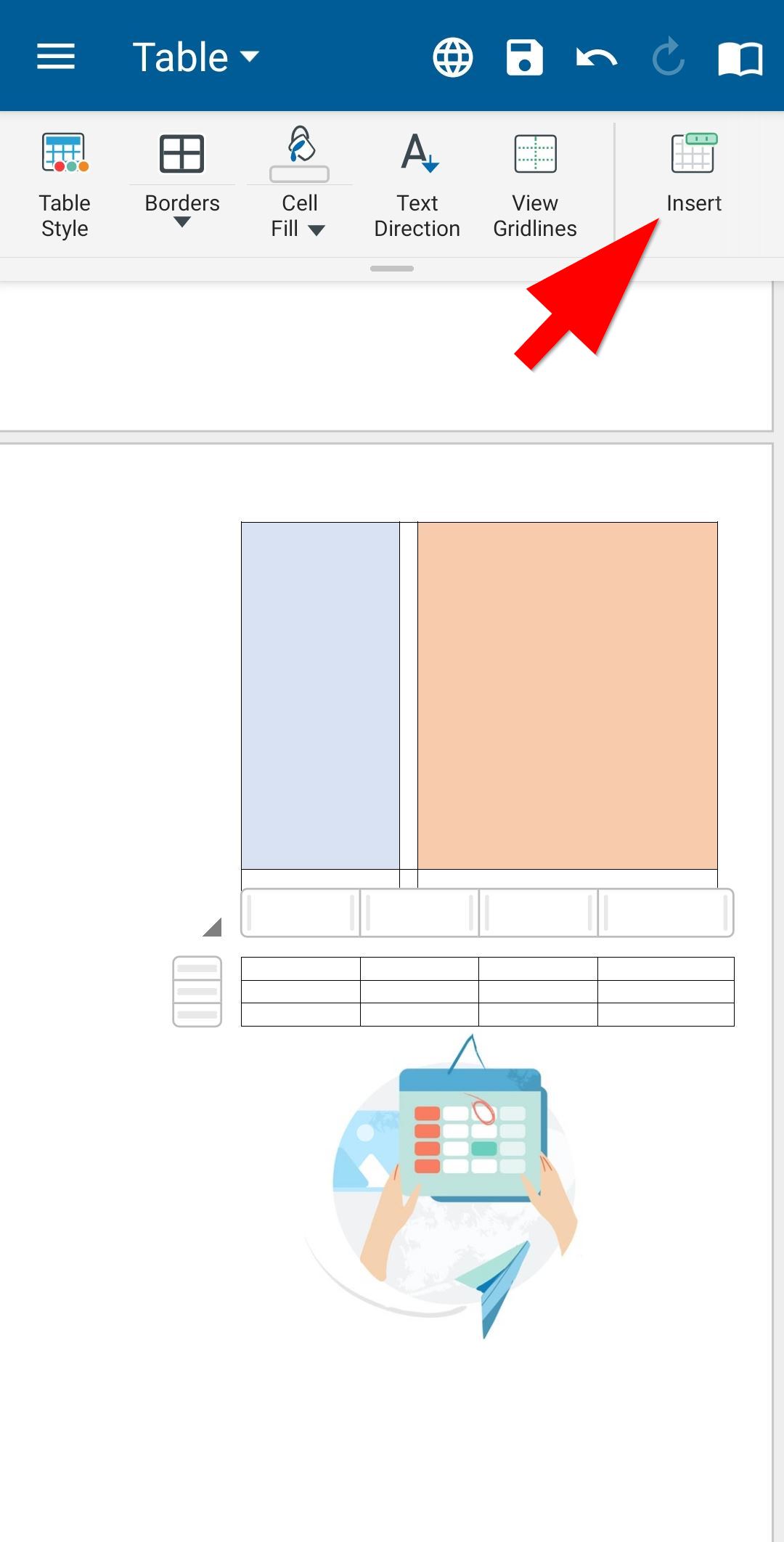
2. On the Table tab, tap Insert.
3. Select from the options in the expandable bottom sheet.
- Insert Above to add a row just above the cell.
- Insert Below to add a row just below the cell.
- Insert Left to add a column just to the left of the cell.
- Insert Right to add a column just to the right of the cell