Insert a comment in Sheets Android
1. Open your Sheets file, and double-tap in the file to activate the Tabs dropdown.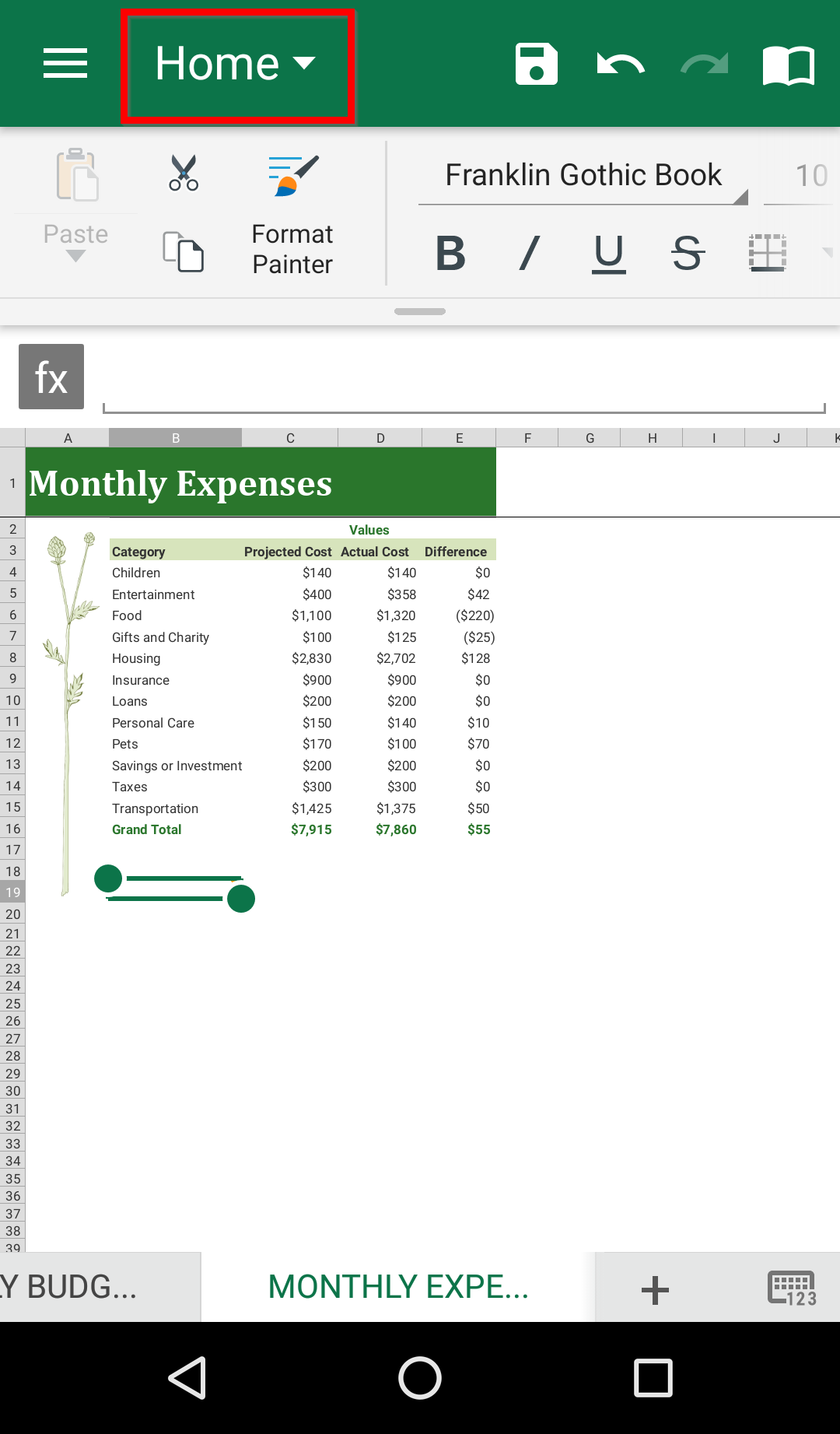
2. Tap Insert.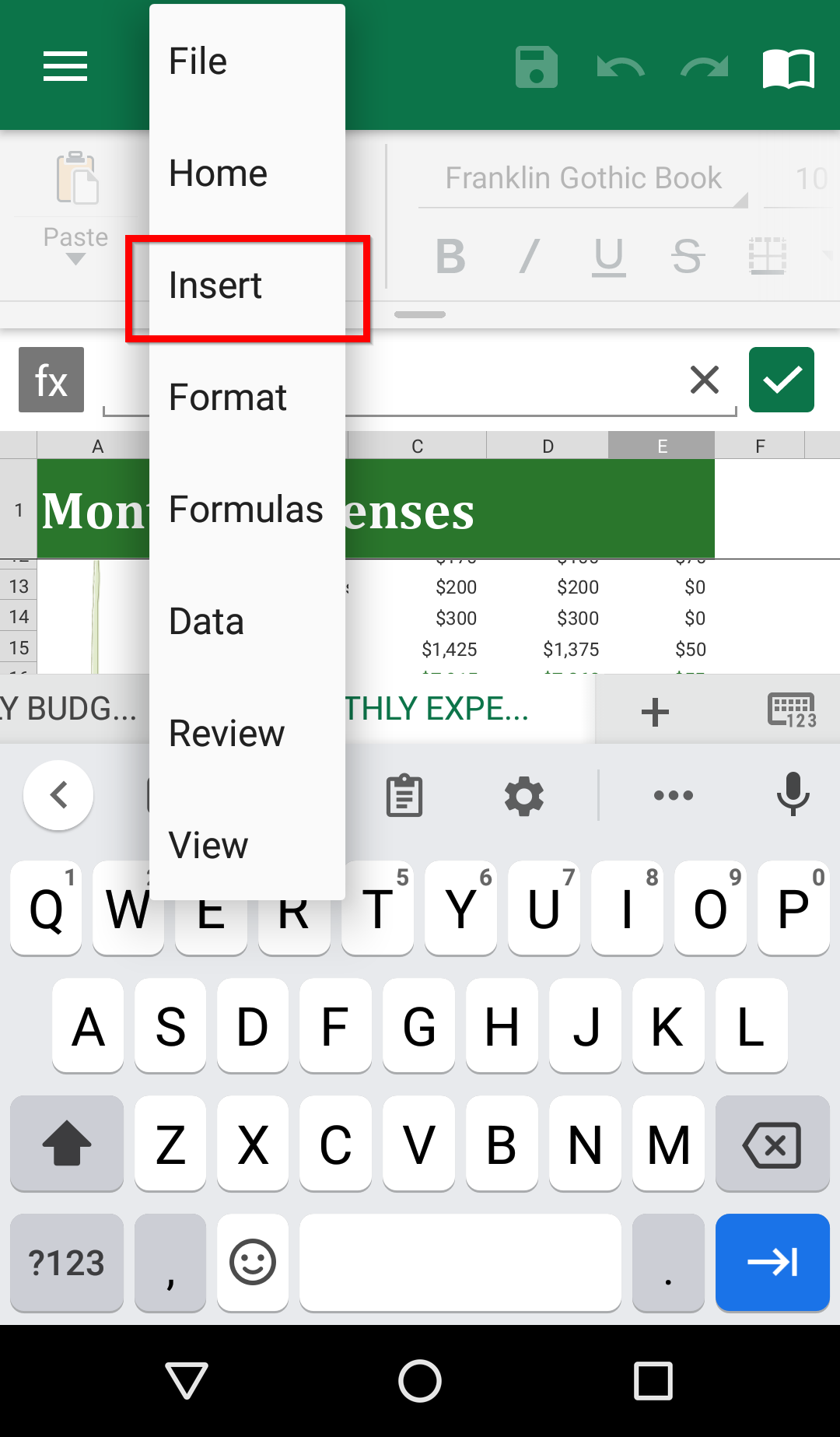
3. Tap Comment.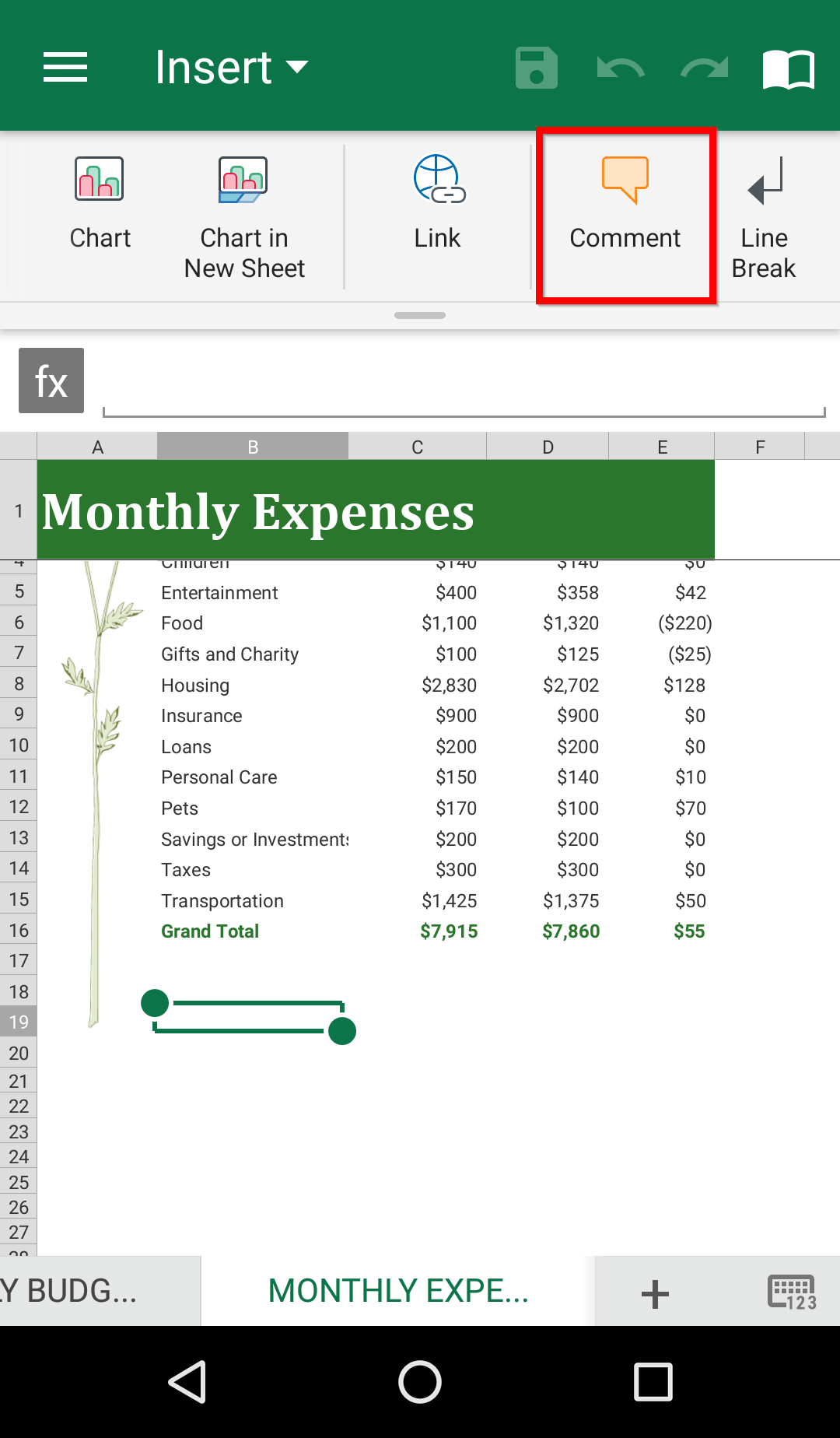
4. In the bottom sheet, type your comment. Confirm with Done.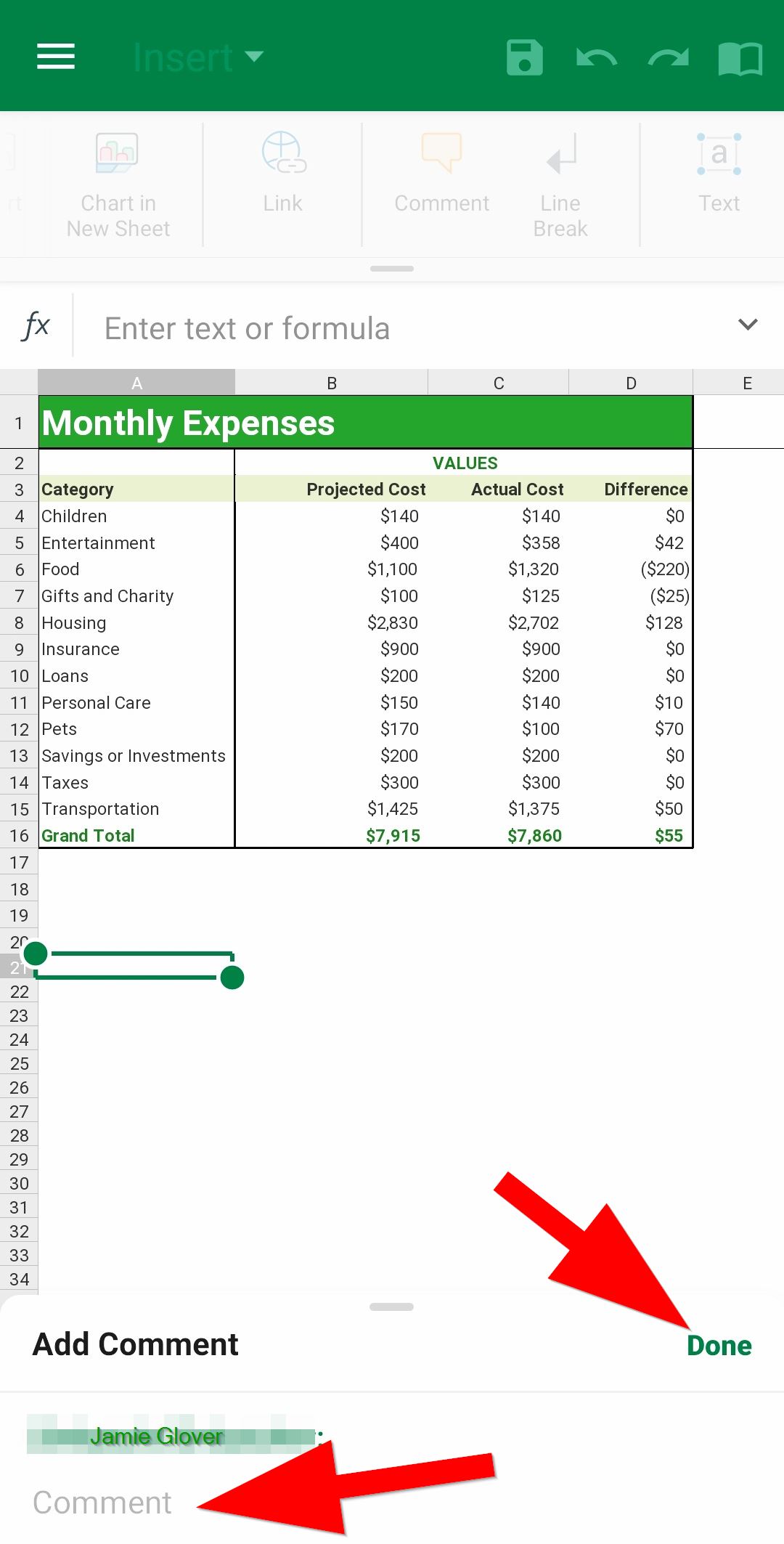
Insert a comment in Sheets Android
1. Open your Sheets file, and double-tap in the file to activate the Tabs dropdown.
2. Tap Insert.
3. Tap Comment.
4. In the bottom sheet, type your comment. Confirm with Done.