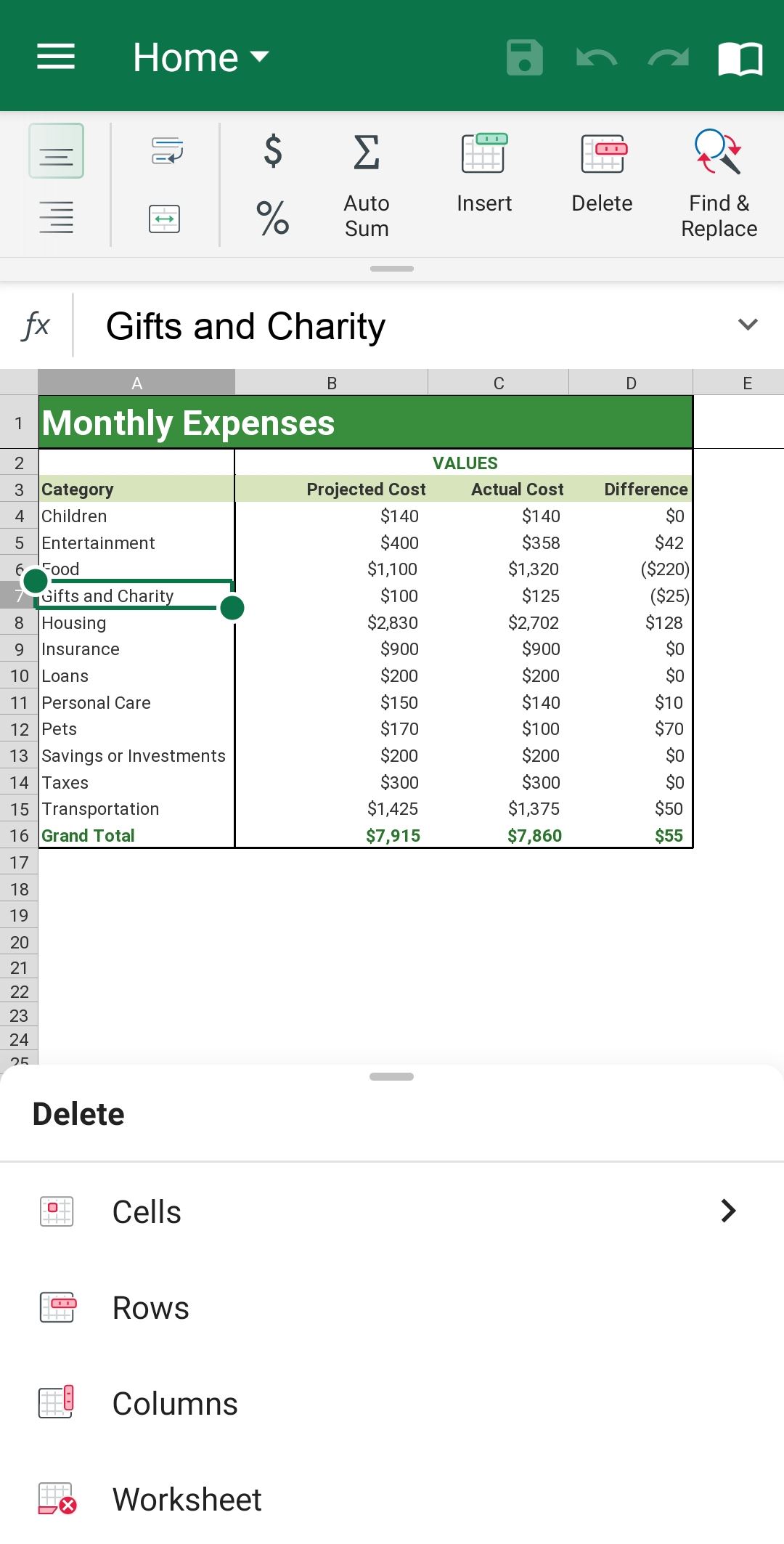
Insert or delete rows or columns in Sheets Android
Insert rows or columns.
1. Select any cell within the row/column.
2. On the Home tab, swipe left and tap Insert.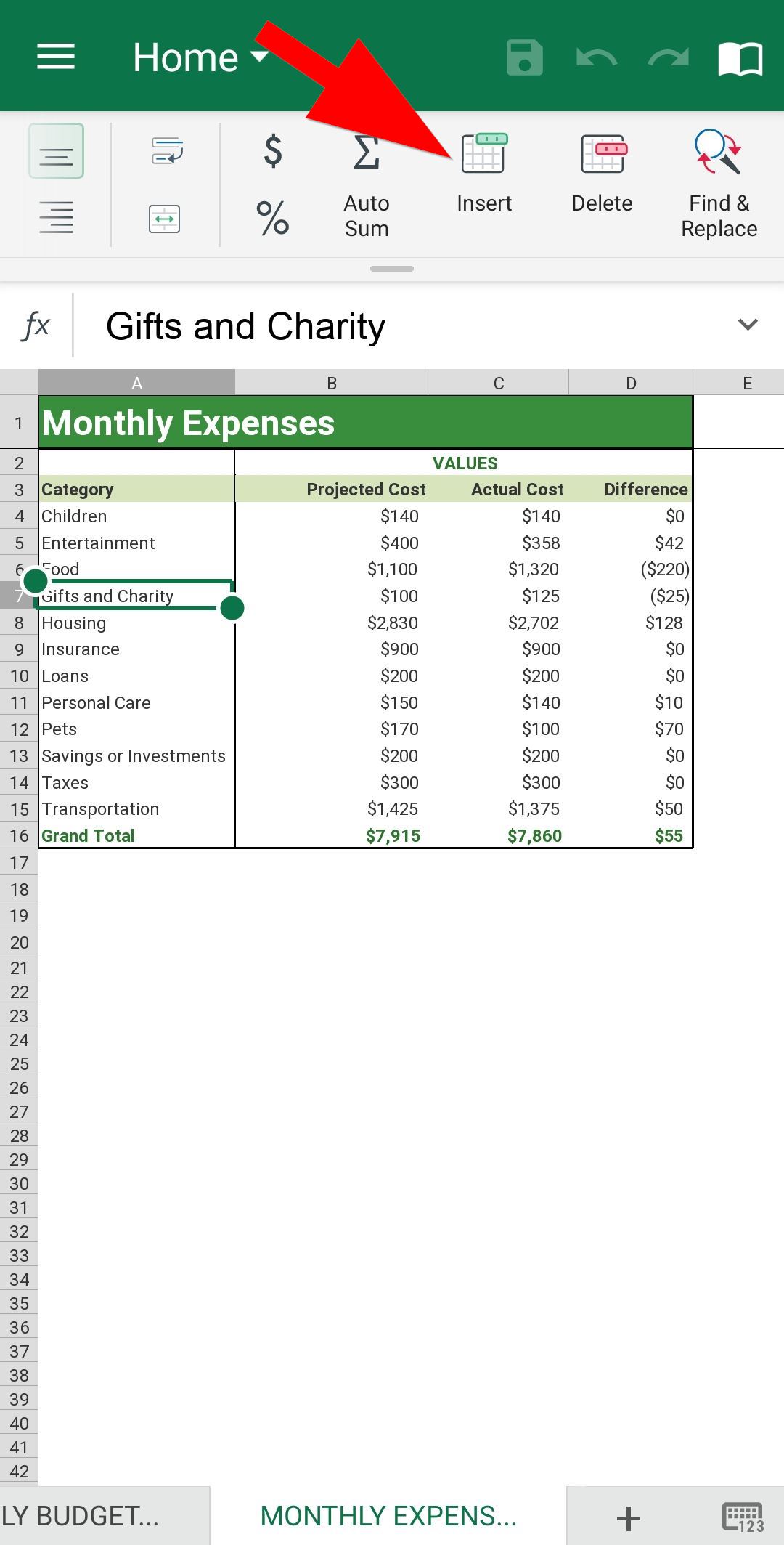
3. Tap Rows/Columns. 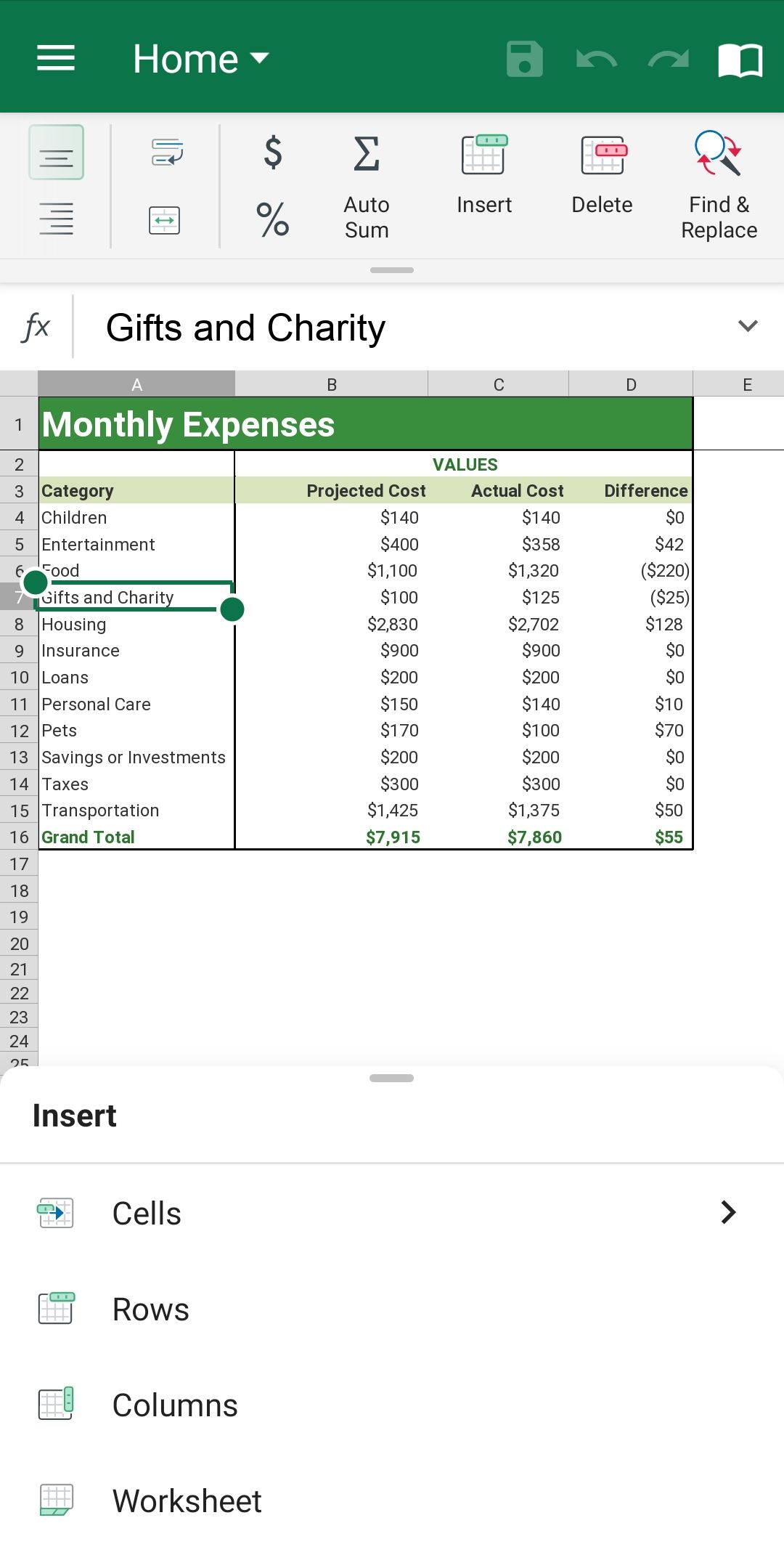
Delete rows or columns
1. Select the rows or columns you want to delete.
2. On the Home tab, swipe the toolbar to reveal more options and tap Delete.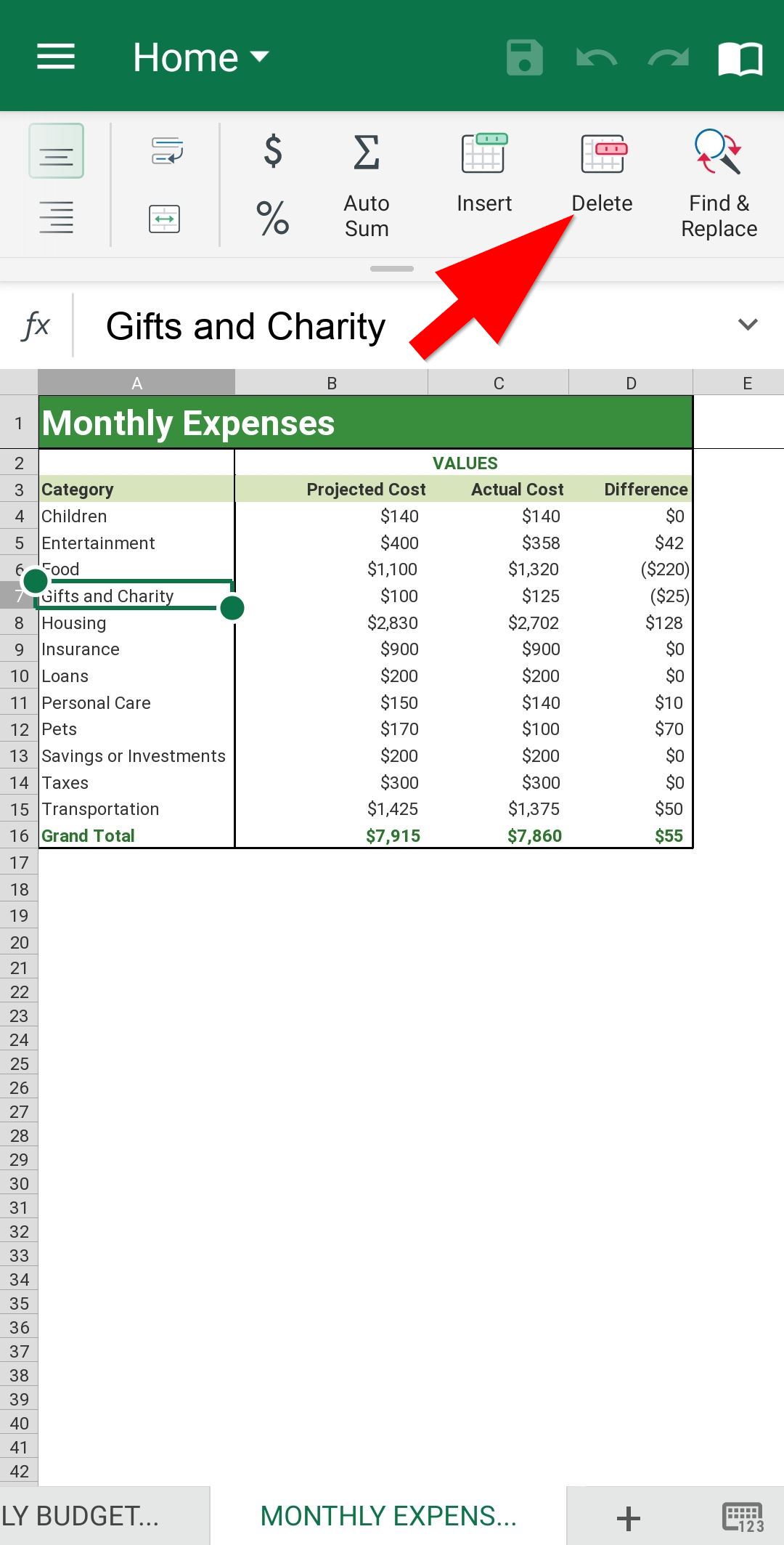
3. Tap Rows or Columns.