Password-protect a spreadsheet Android
OfficeSuite lets you protect your spreadsheet
- on a file level, allowing no one to view the file, unless they have the password, and/or
- on an action level, restricting certain actions, or restricting certain action to certain cells, unless they have the password.
Password-protect a spreadsheet
-
Open the spreadsheet.
In View mode, tap the menu in the top right. Tap Protect, or
In Edit mode, on the File tab, swipe the toolbar to reveal more options, tap Protect.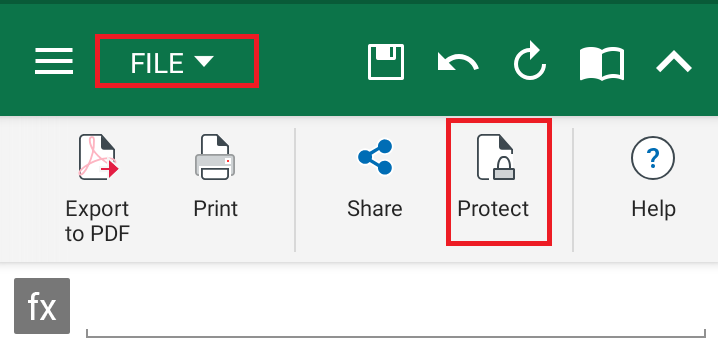
- Type and retype the password.
- Tap OK.
- Save or Save as the spreadsheet.