Make your MobiDrive files available offline on Android
You can make your MobiDrive files available offline.
1. Open OfficeSuite. On the Home tab,
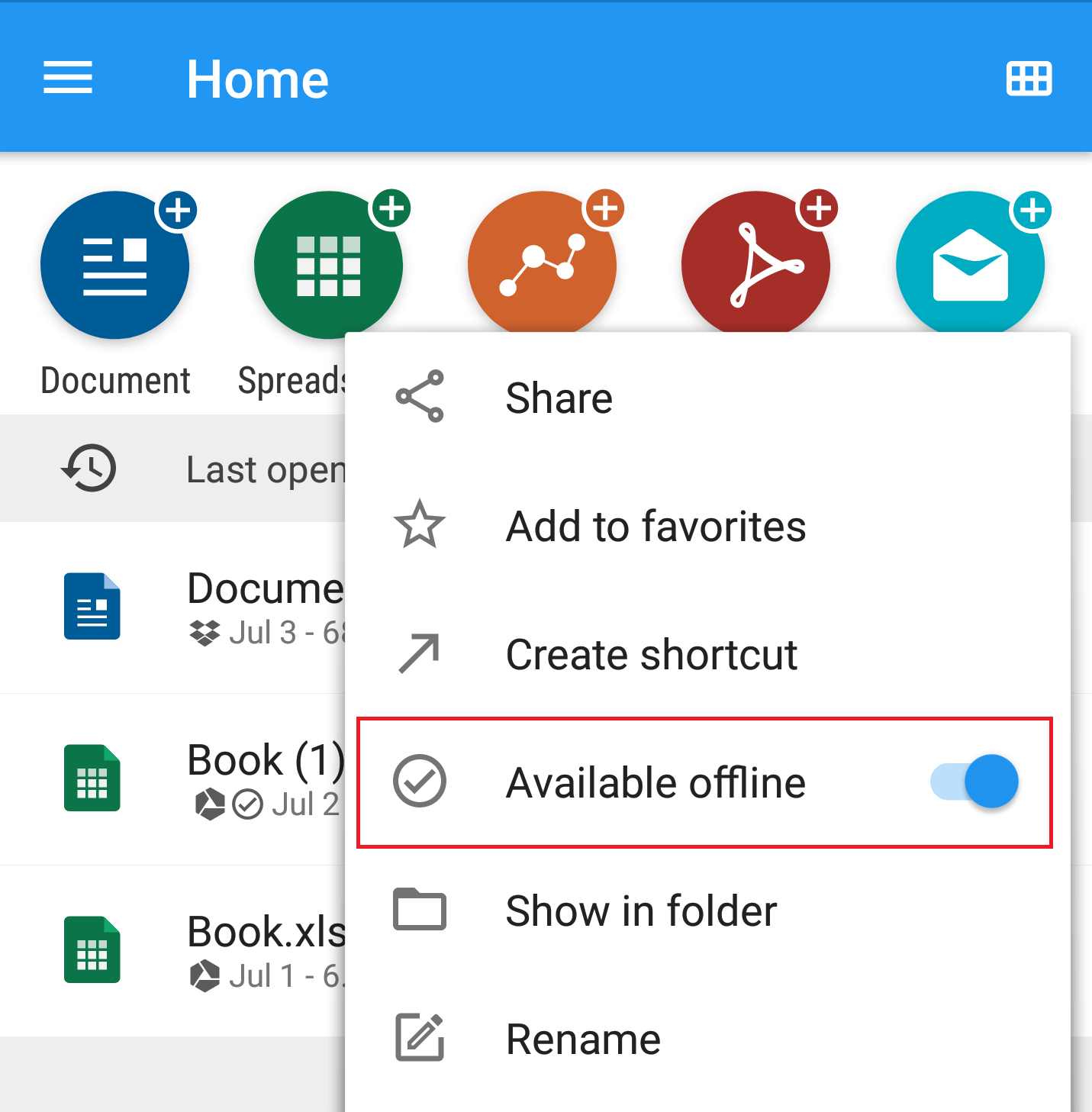
2. Long tap on a recent file, tap Available offline.
Make your MobiDrive files available offline on Android
You can make your MobiDrive files available offline.
1. Open OfficeSuite. On the Home tab,
2. Long tap on a recent file, tap Available offline.