Insert a chart in Sheets Android
1. Open your Sheets file. Double-tap in the file to see the Tabs dropdown and select it.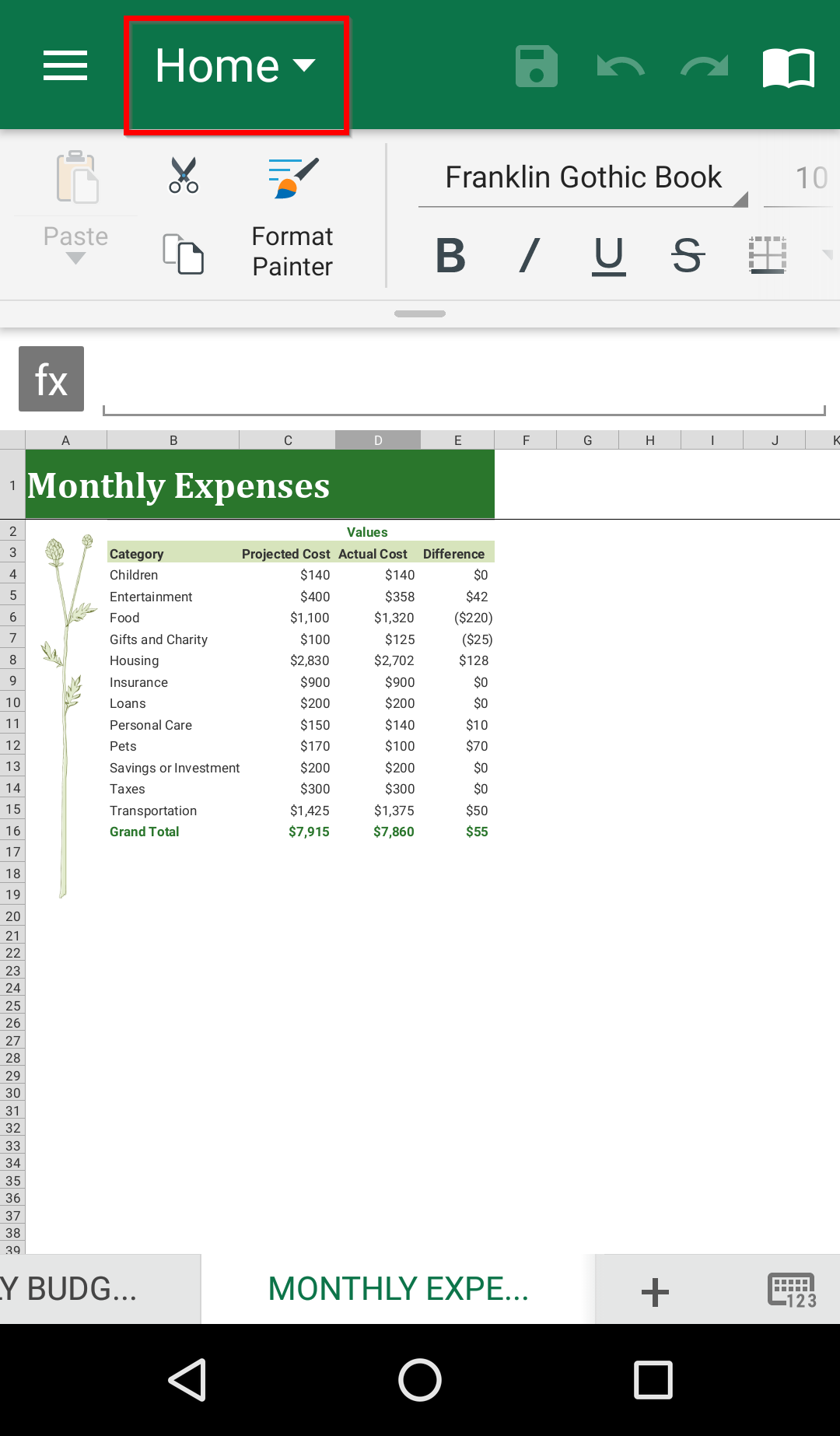
2. Switch to the Insert tab.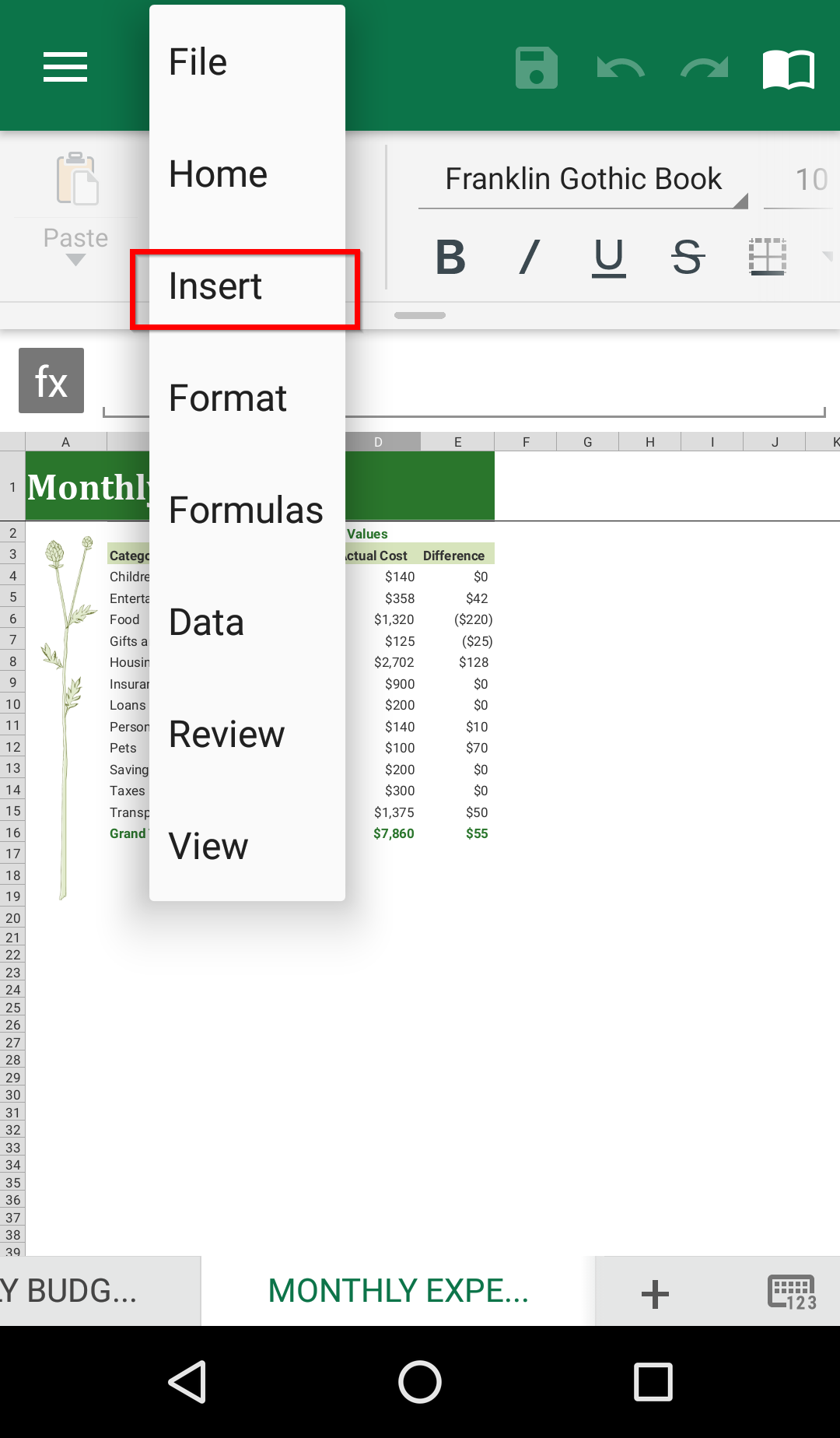
3. Select Chart.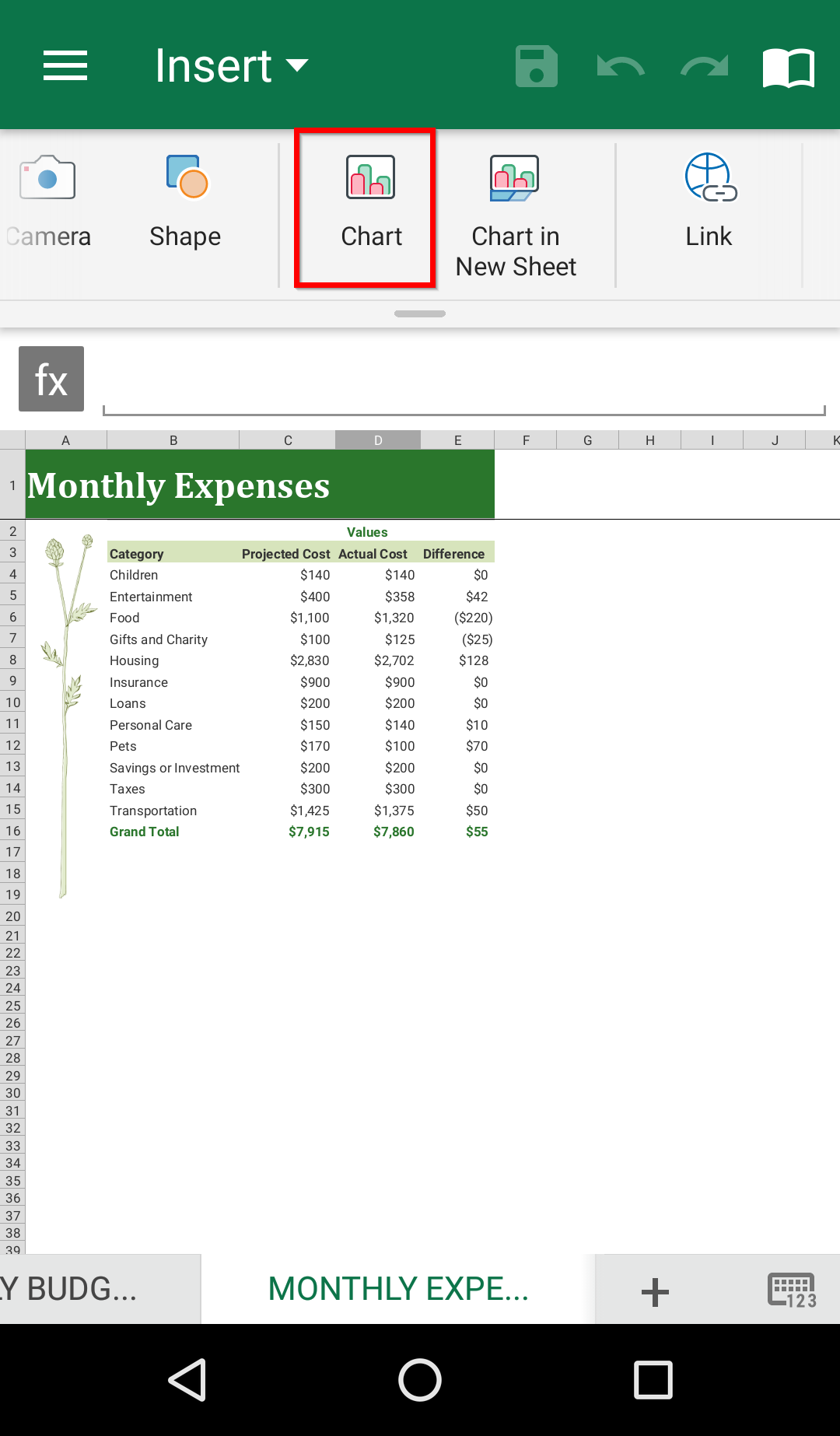
4. In the expandable bottom sheet, customize your chart with the available options.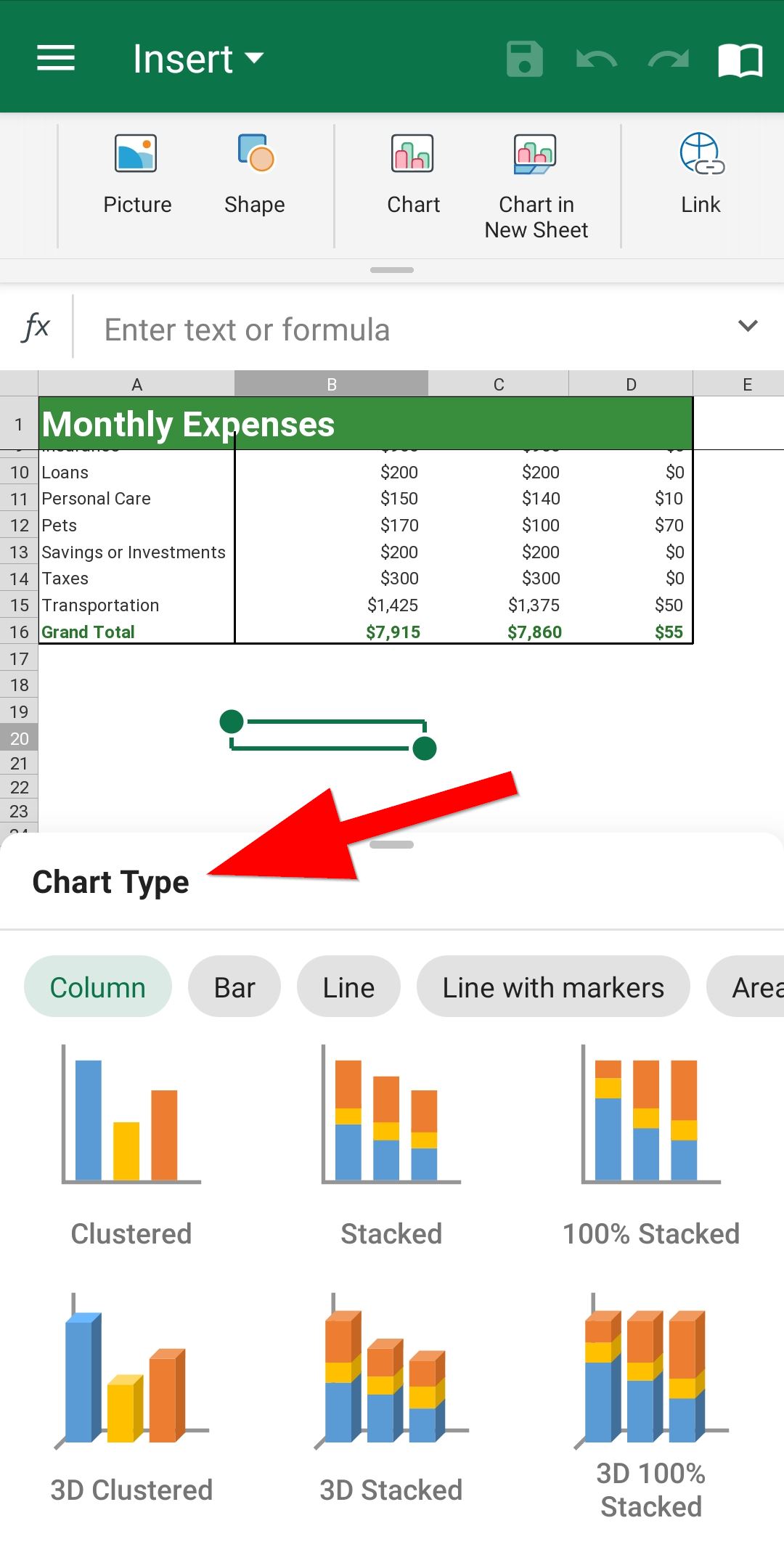
6. Adjust the size and position of the inserted chart by dragging the resizing points.