Move rows or columns in Sheets Android
You can move your spreadsheet's columns.
1. Open a spreadsheet.
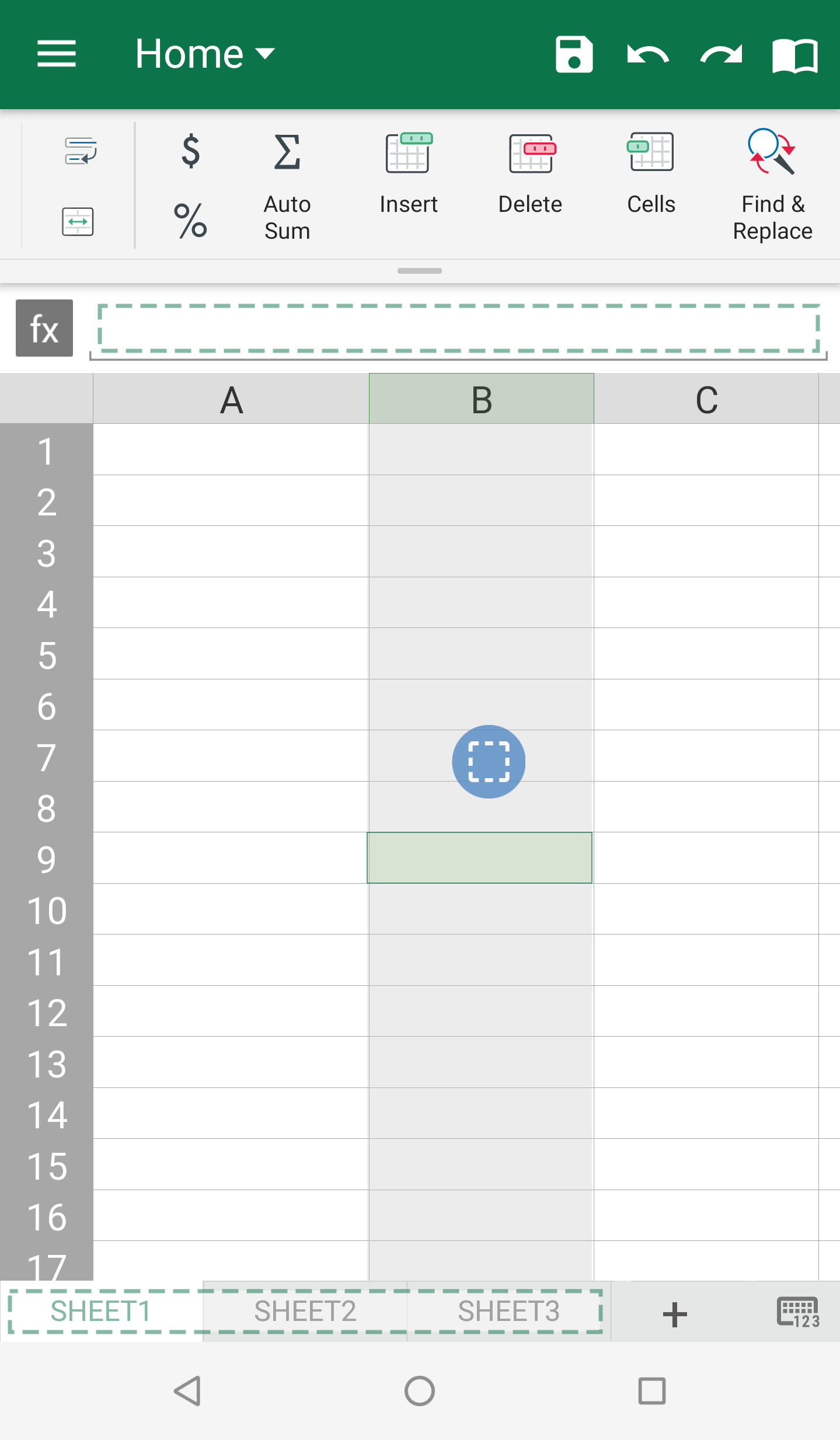
2. Select the row number or column letter to move.
3. Long tap, then drag and drop the selection to a new place.
Move rows or columns in Sheets Android
1. Open a spreadsheet.
2. Select the row number or column letter to move.
3. Long tap, then drag and drop the selection to a new place.