Hide or show rows or columns in Sheets Android
Hide or show a row:
-
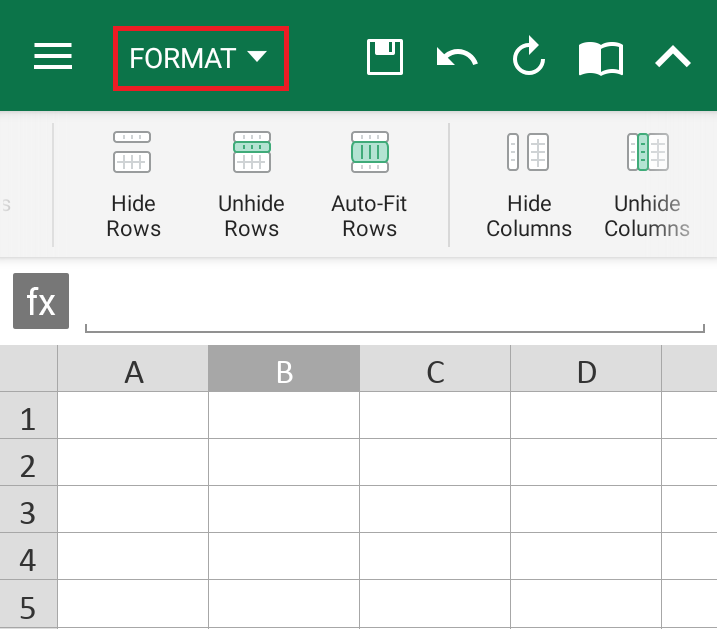
Select any cell within the row. On the Format tab,
- Swipe the toolbar left, tap Hide or Unhide Rows.
Hide or show a column:
-
Select any cell within the column. On the Format tab,
- Swipe the toolbar left, tap Hide or Unhide Columns.