Format text
Type and select some text or select an existing text you want to format.
Use options: Bold, Italic, Underline, Strikethrough, Bullets, Numbering, and more.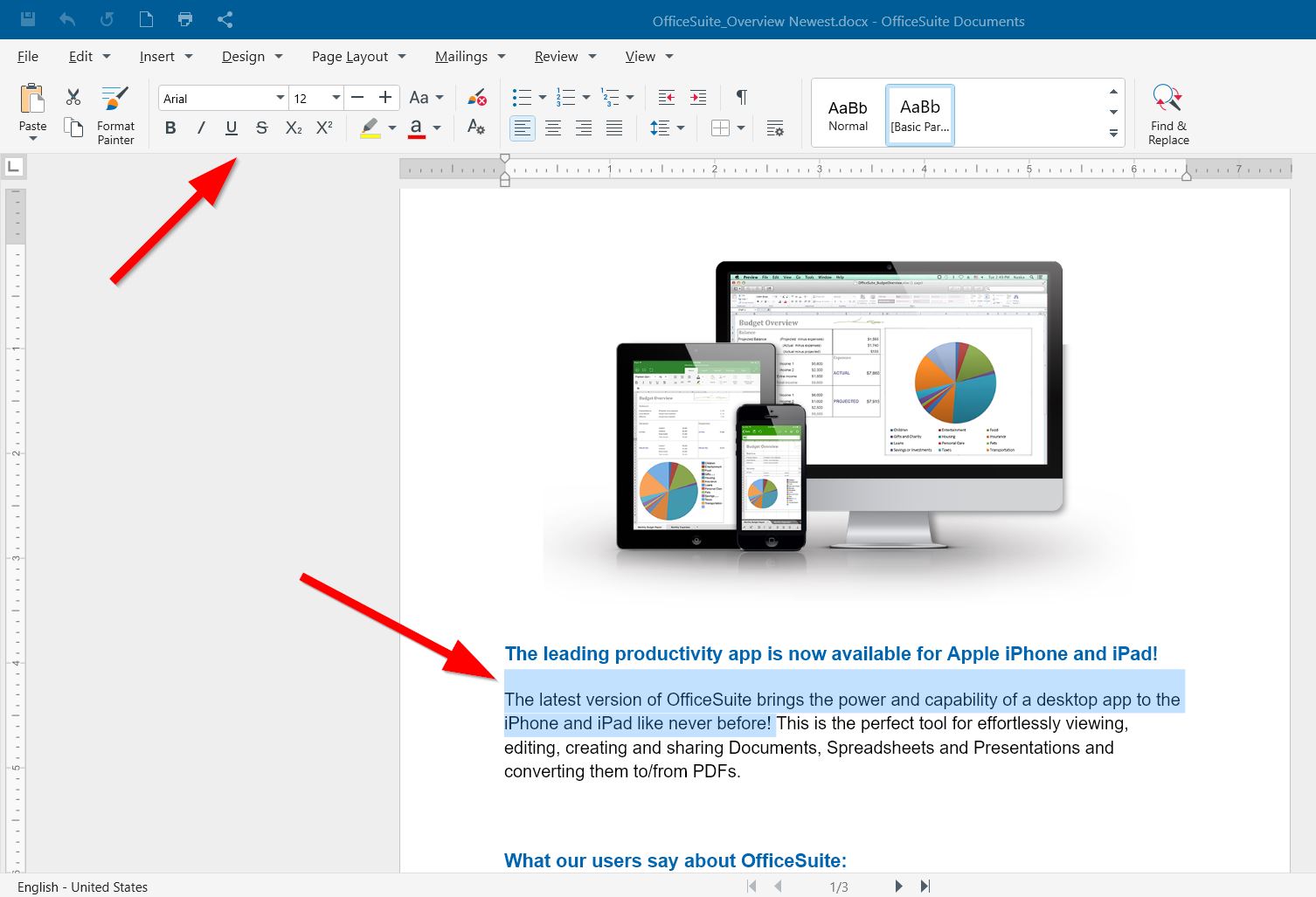
Copy formatting
1. Select the text with the formatting you want to copy.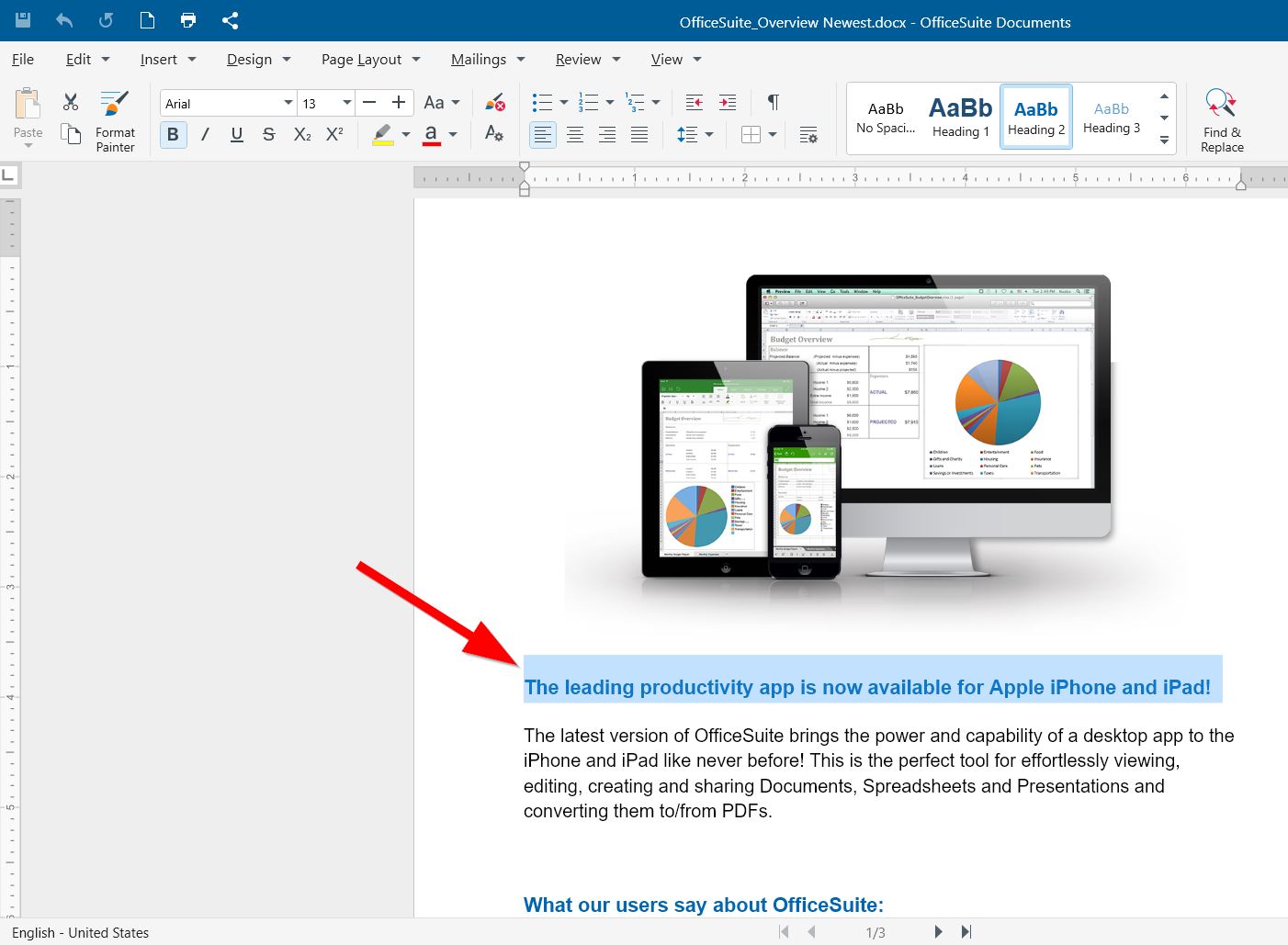
2. Click Format Painter.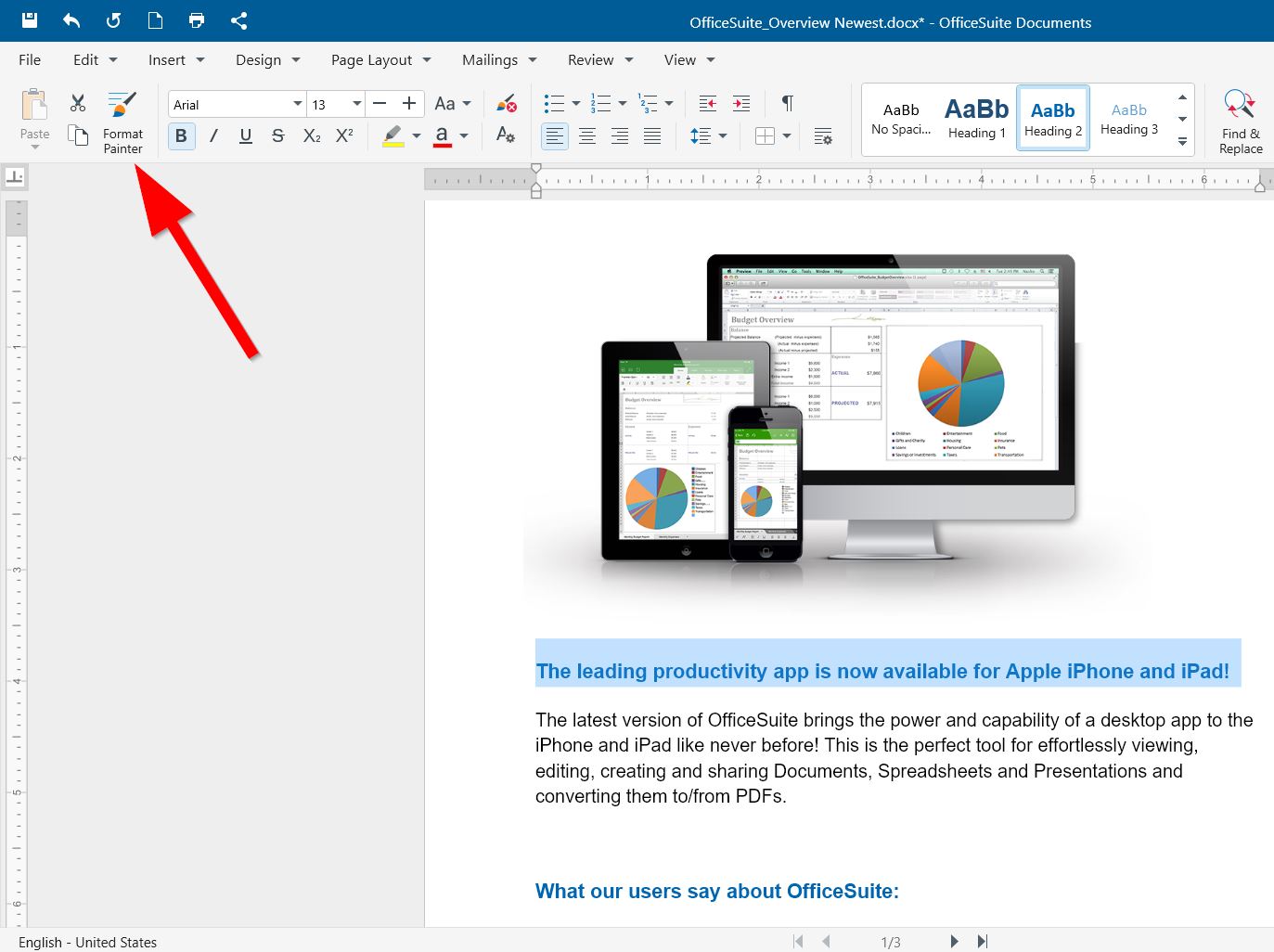
3. Select the text you want to copy the formatting to.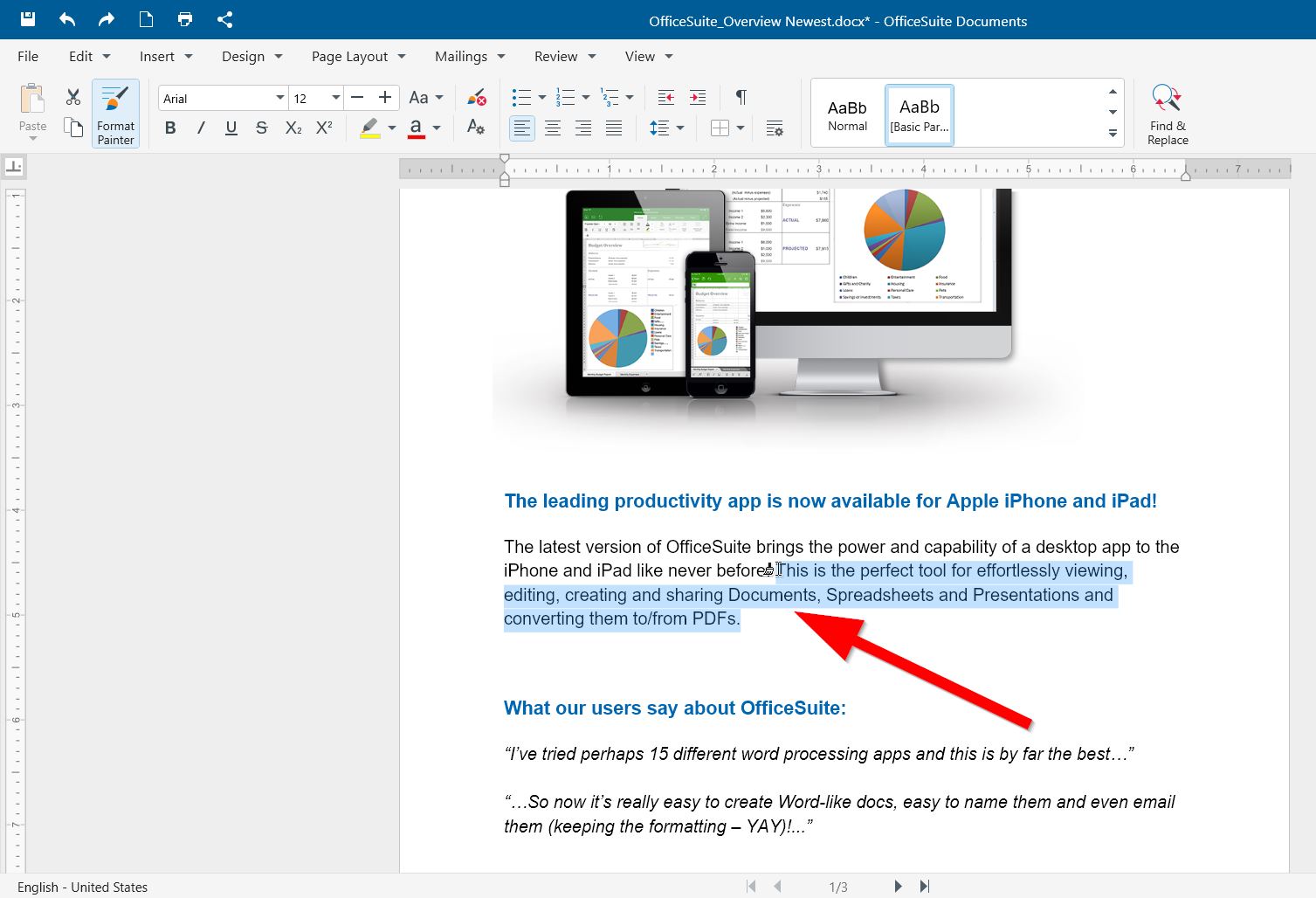
4. Single left-click in a sentence or whole paragraph to paste the selected formatting.