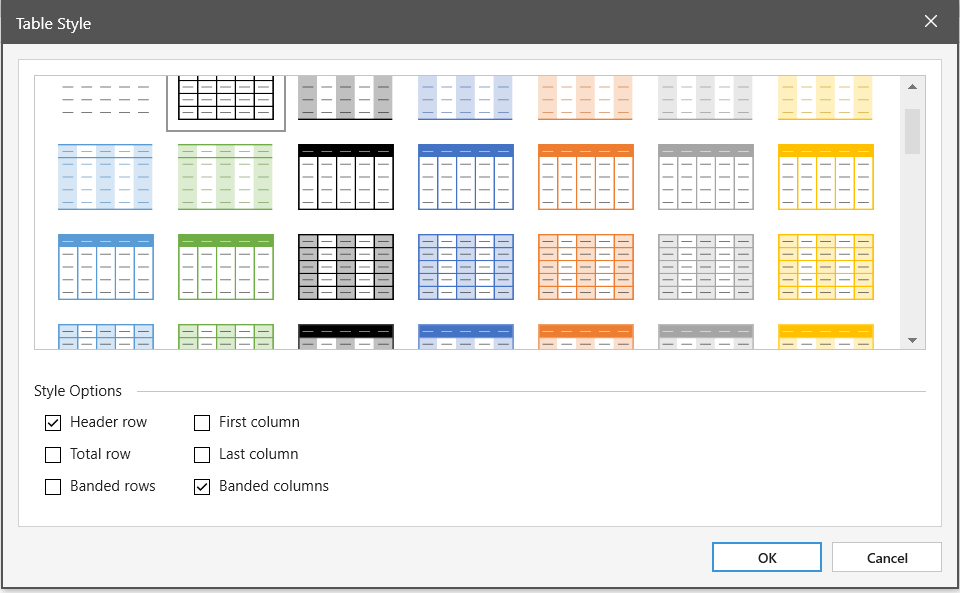
Use Table Styles to format an entire table.
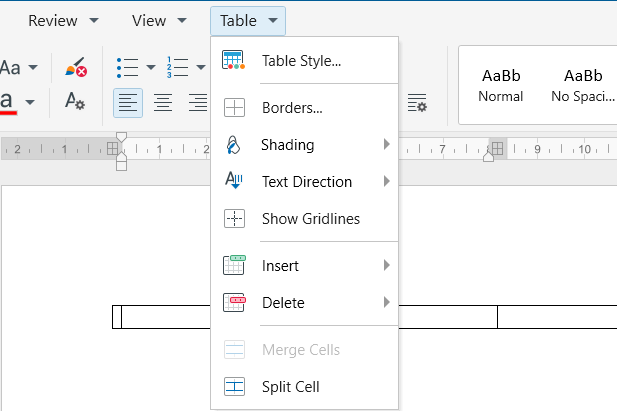
1. Place the cursor in the table you want to format.
2. On the Table tab, click Table Style, or right-click,
click Table Style on the contextual menu.
3. Select a predefined style option to apply it to the table.
In the Style Options group, select or clear the check box next to each the table element to apply or remove the selected style. To help digest the information, you can visually define:
- Header row and/or Total row
- color band rows and/or columns
- color band the first and/or the last column.