You can combine two or more cells in the same row or column into a single cell.
1. Select the cells that you want to merge.
2. Right-click, click Merge cells on the menu.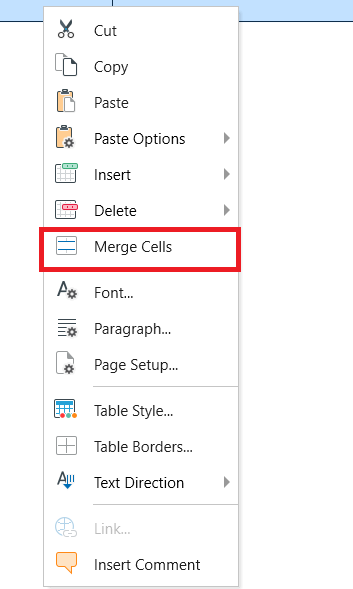
You can split a cell in to two or more cells:
1. Place the cursor in the cell you want split.
2. Right-click, click Split Cell on the menu. 