Insert a chart in Sheets iOS
1. Open your Sheets file and tap the Tab dropdown.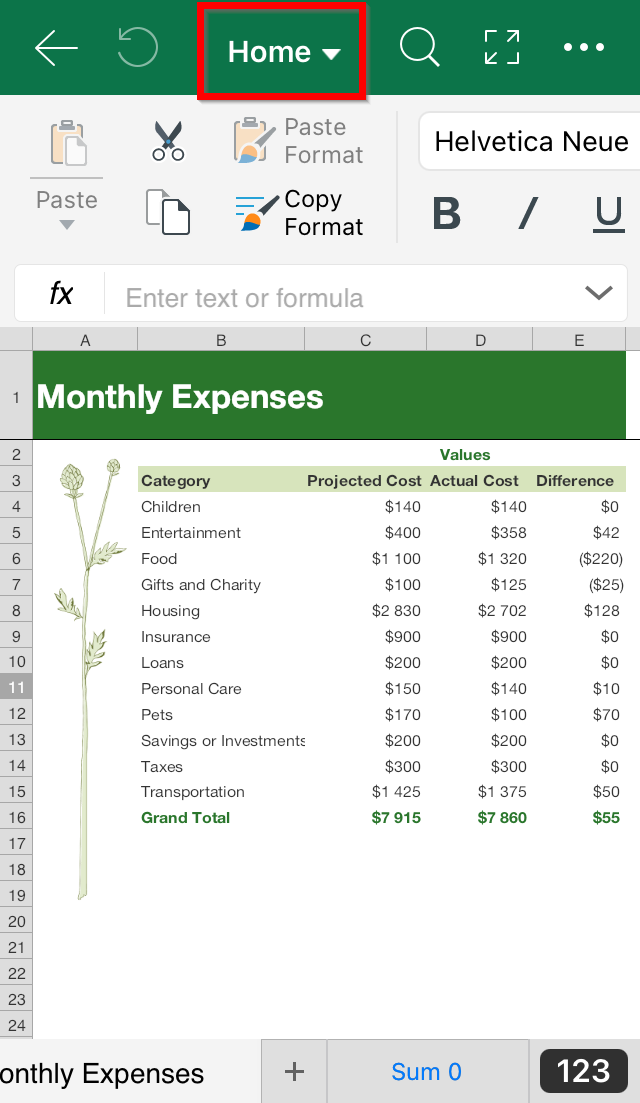
2. Tap Insert.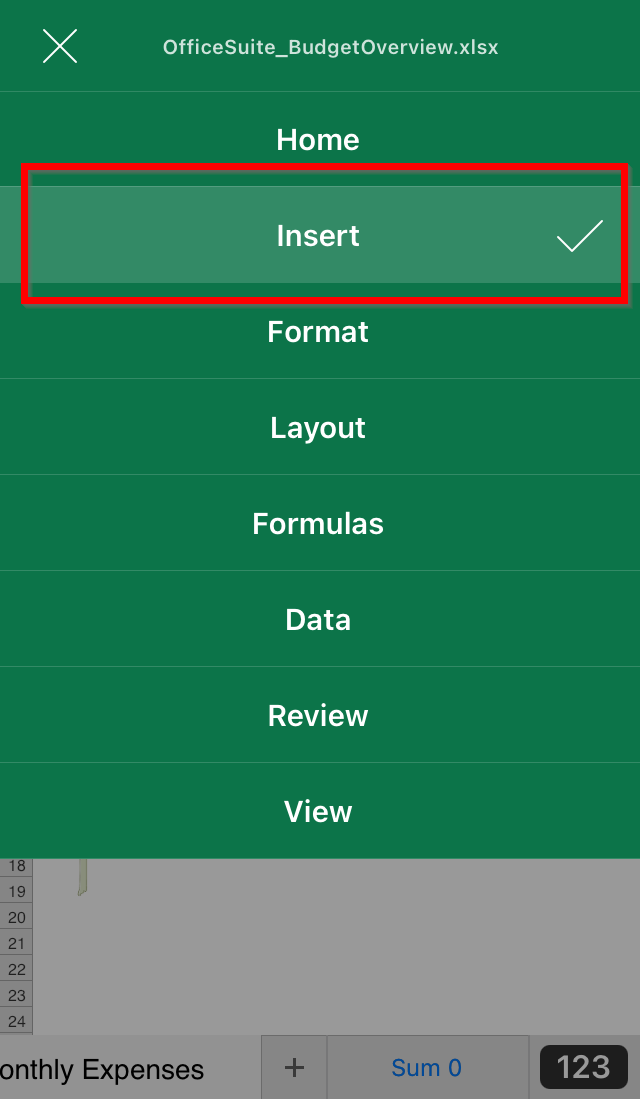
3. Tap Chart.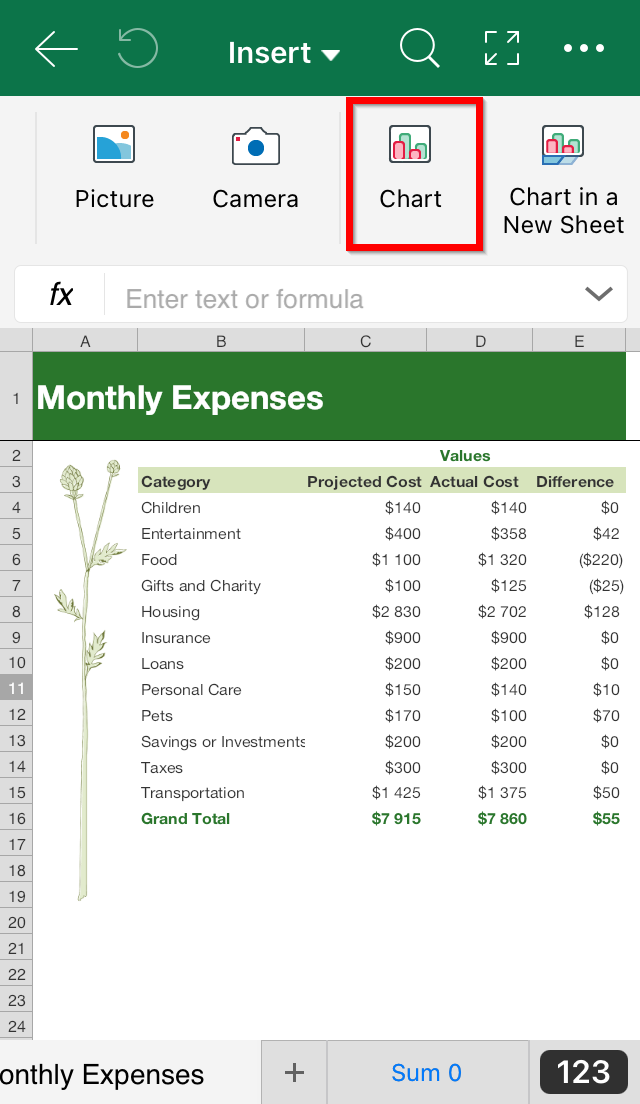
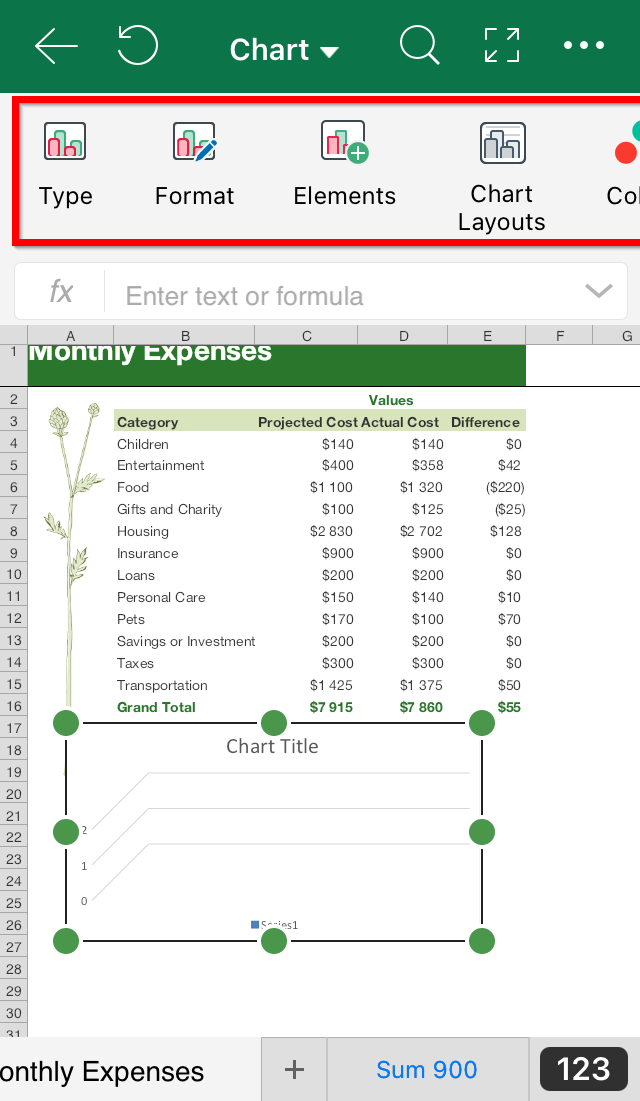
4. Drag the resize handles to adjust the chart. Tap and hold to move the chart.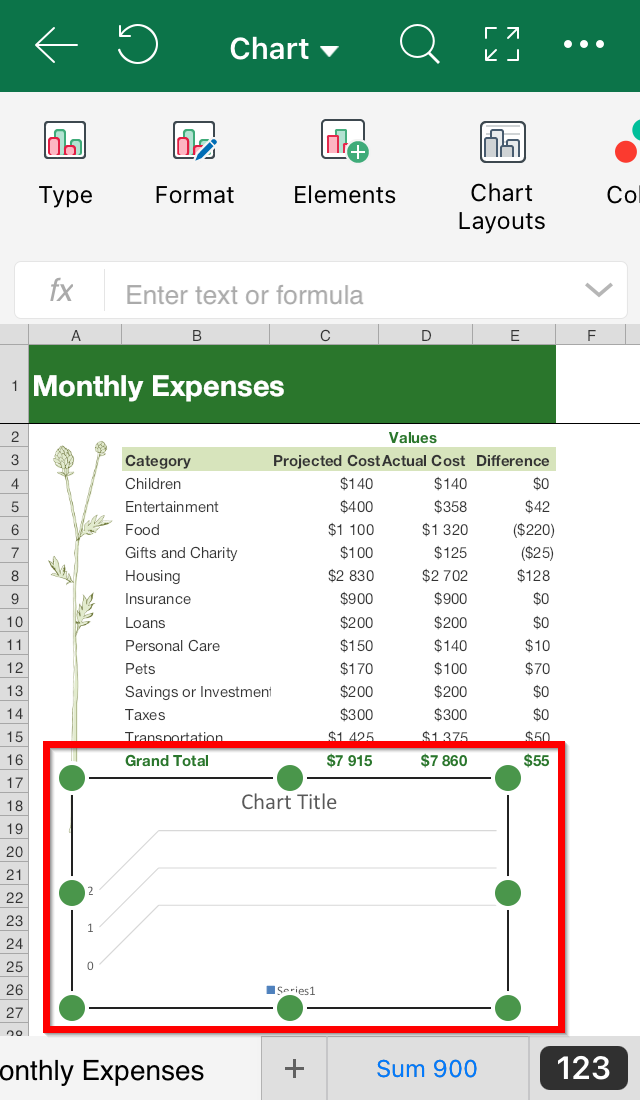
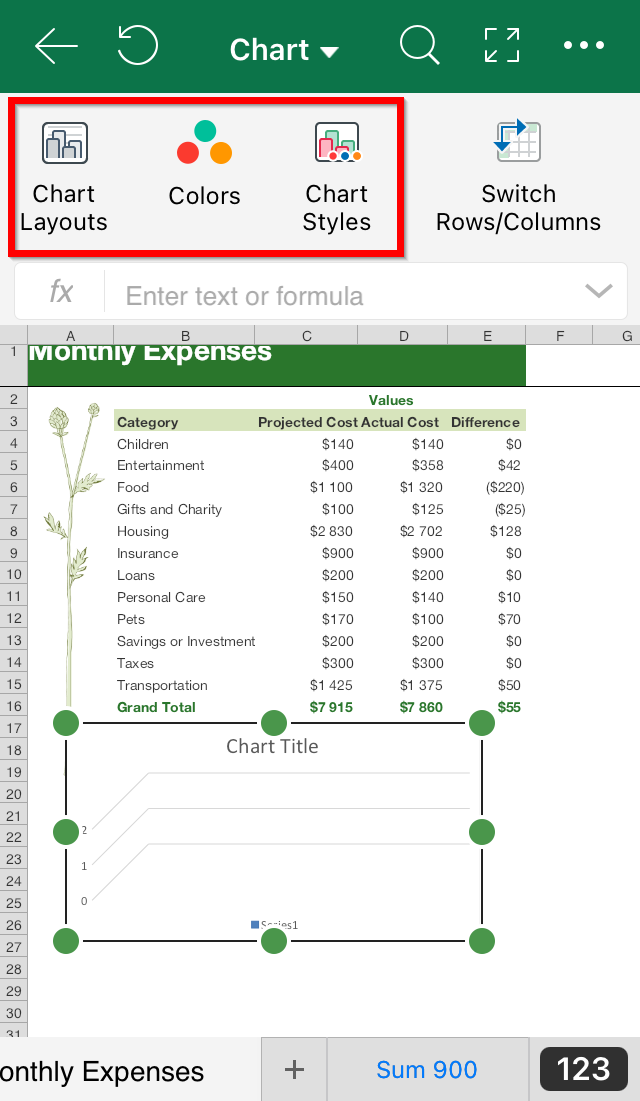
5. You can select a number of settings to customize your chart:
- Type
- Format
- Elements
- Chart Layouts
- Colors
- Chart Styles