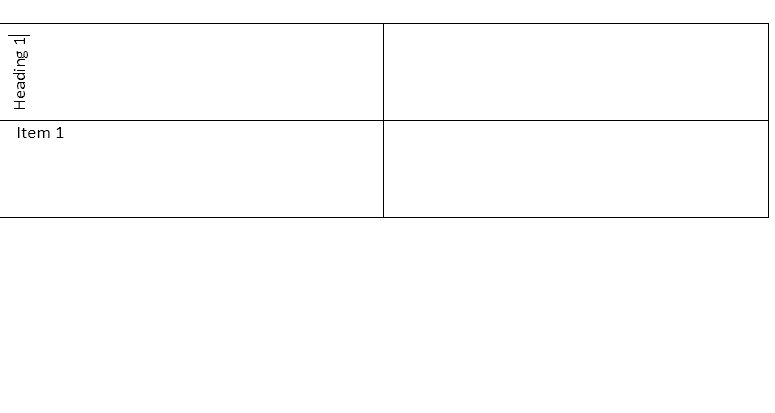
You can change the text to be vertical or horizontal.
1. Place the cursor in the cell whose orientation you want changed.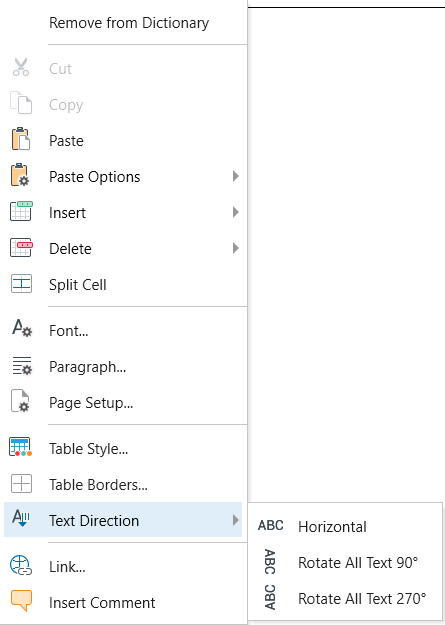
2. Right-click, click Text Direction. Click the orientation you want used for your text.
- Horizontal
- Rotate All Text 90
-
Rotate All Text 270