Gridlines show the cell boundaries of a table on the screen wherever the table does not have borders applied.
1. Select the cells whose gridlines you want shown or hidden.
2. On the Table tab, toggle View gridlines. 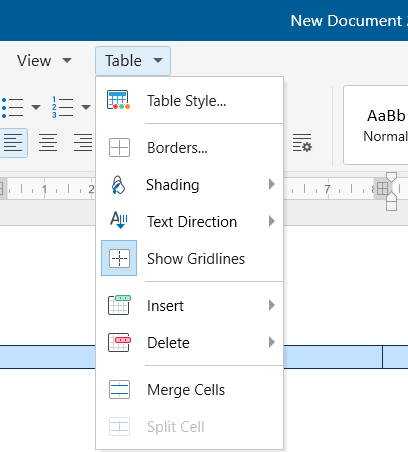
If you hide the gridlines in a table that has borders, you will not see the change because the gridlines are behind the borders. To view the gridlines, remove the borders.