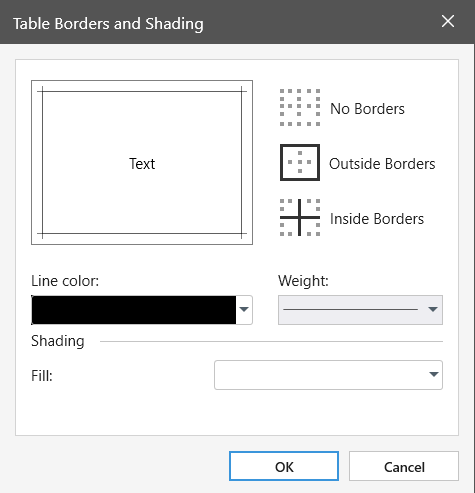
You can add or remove borders to format a table the way that you want.
1. Place the cursor in the cell you want to format.
2. On the Table tab, click Borders.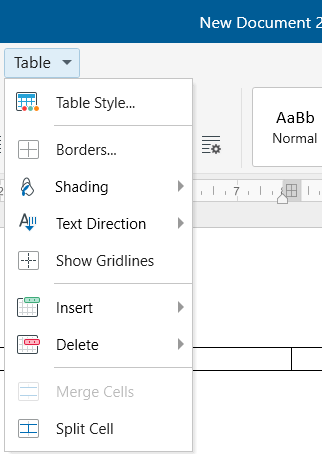
3. Choose one of the predefined border sets.
4. To design your own custom border, choose the line color, weight and where you want to apply the borders.