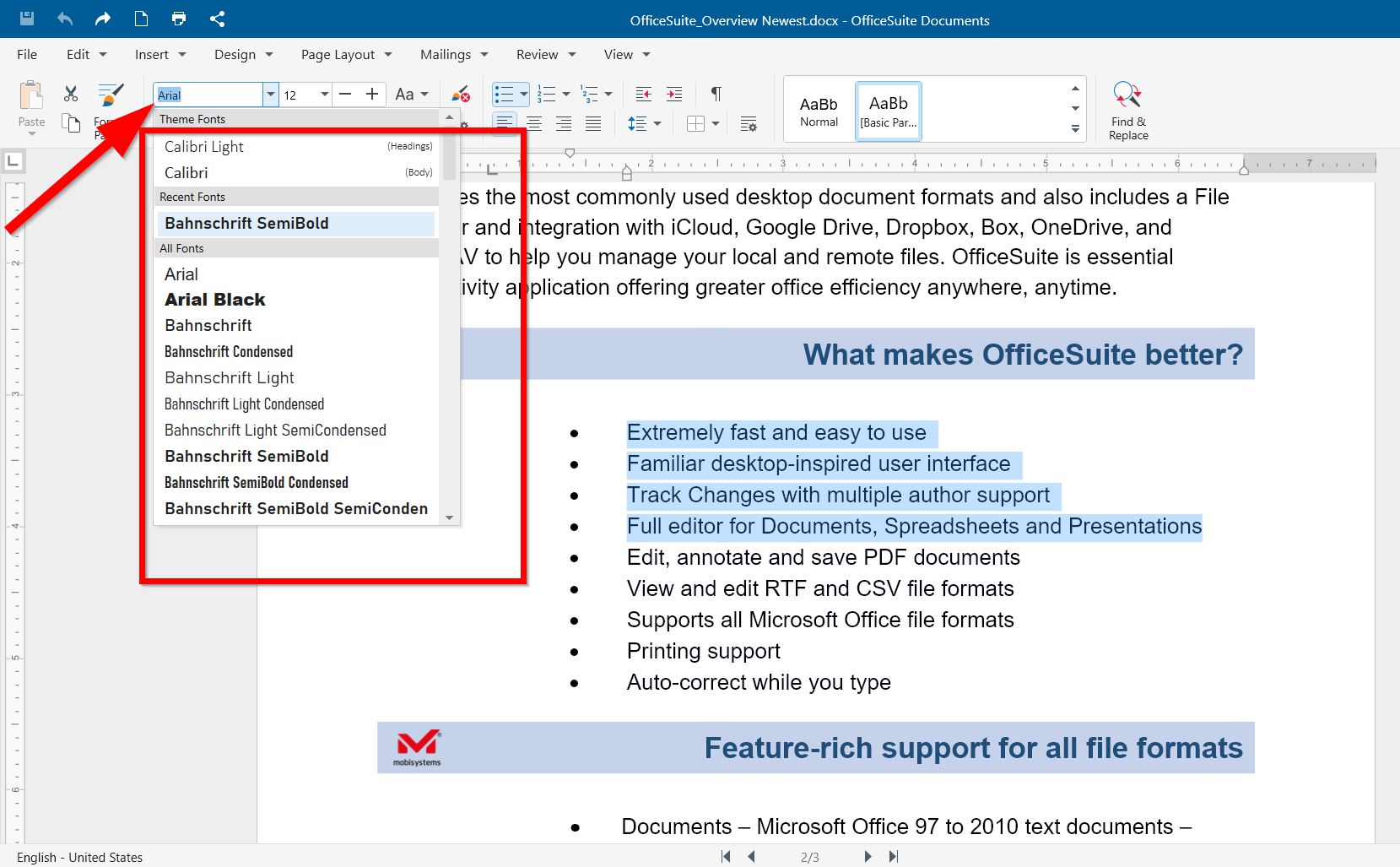
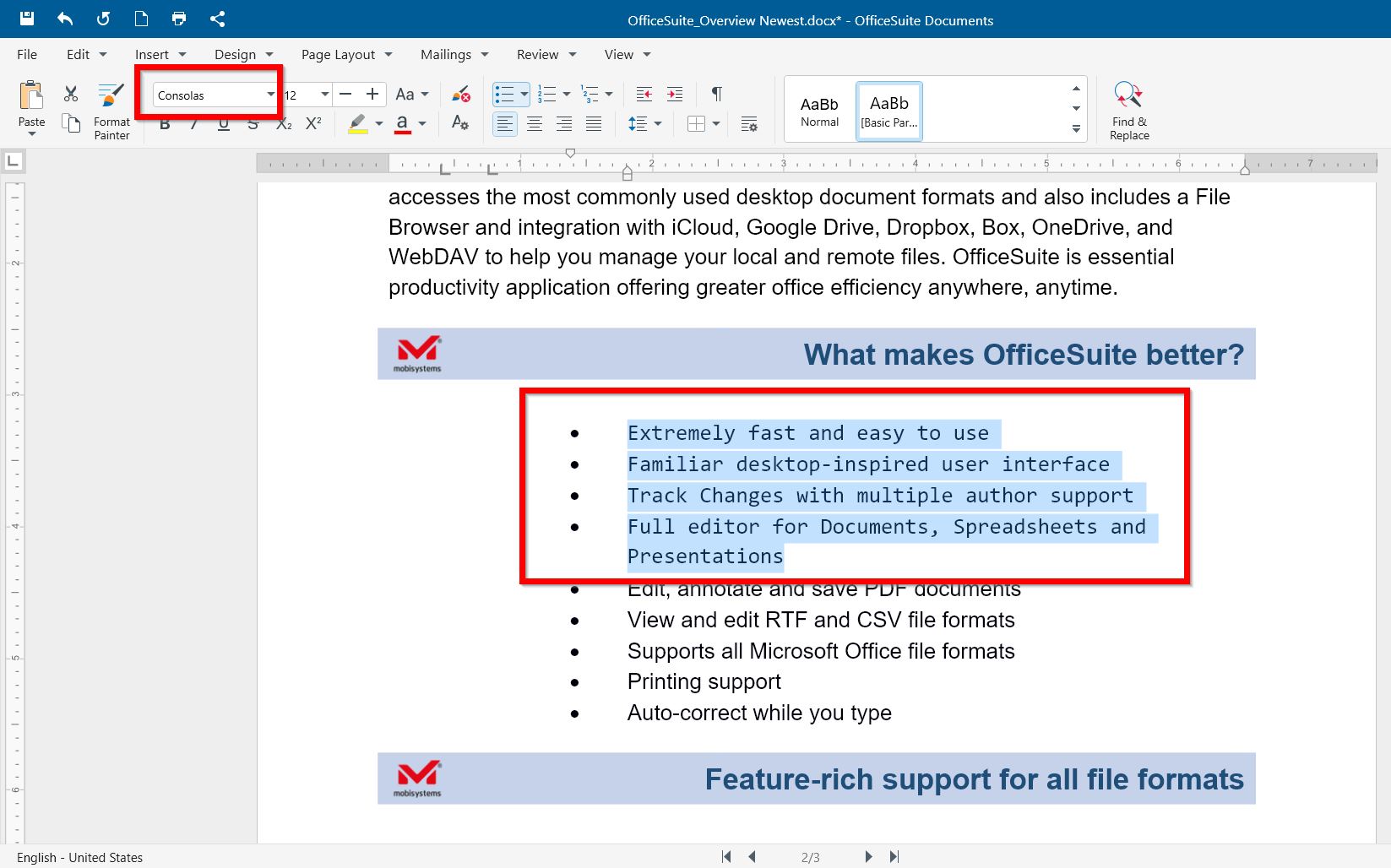
To change the font of selected text in Documents, Slides, Spreadsheet in OfficeSuite:
1. Open your OfficeSuite document.
2. Left-click and drag to select the text, which font you want to change (or Ctrl+A to select the whole text in the document).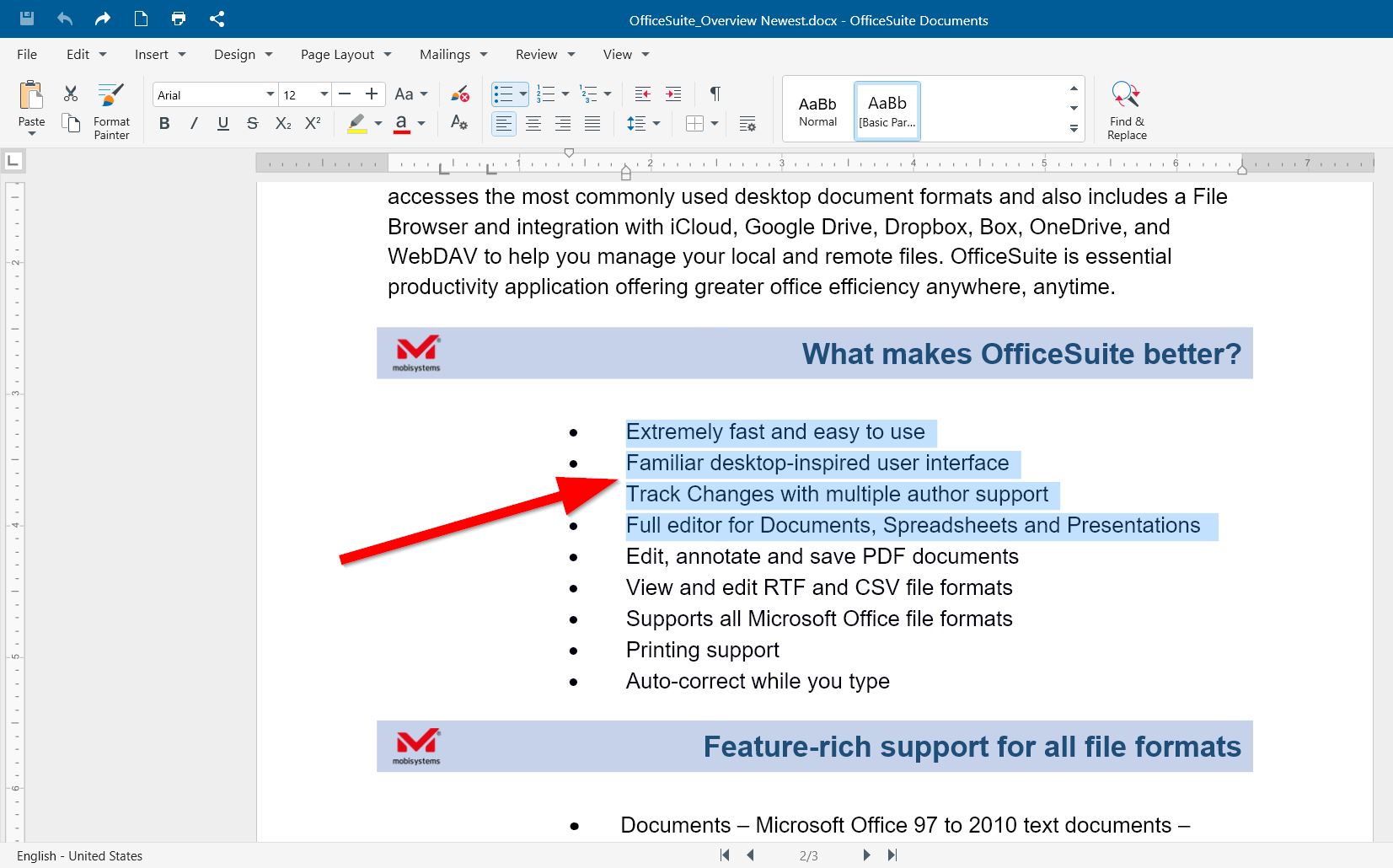
3. Right-click the selected text and choose a font.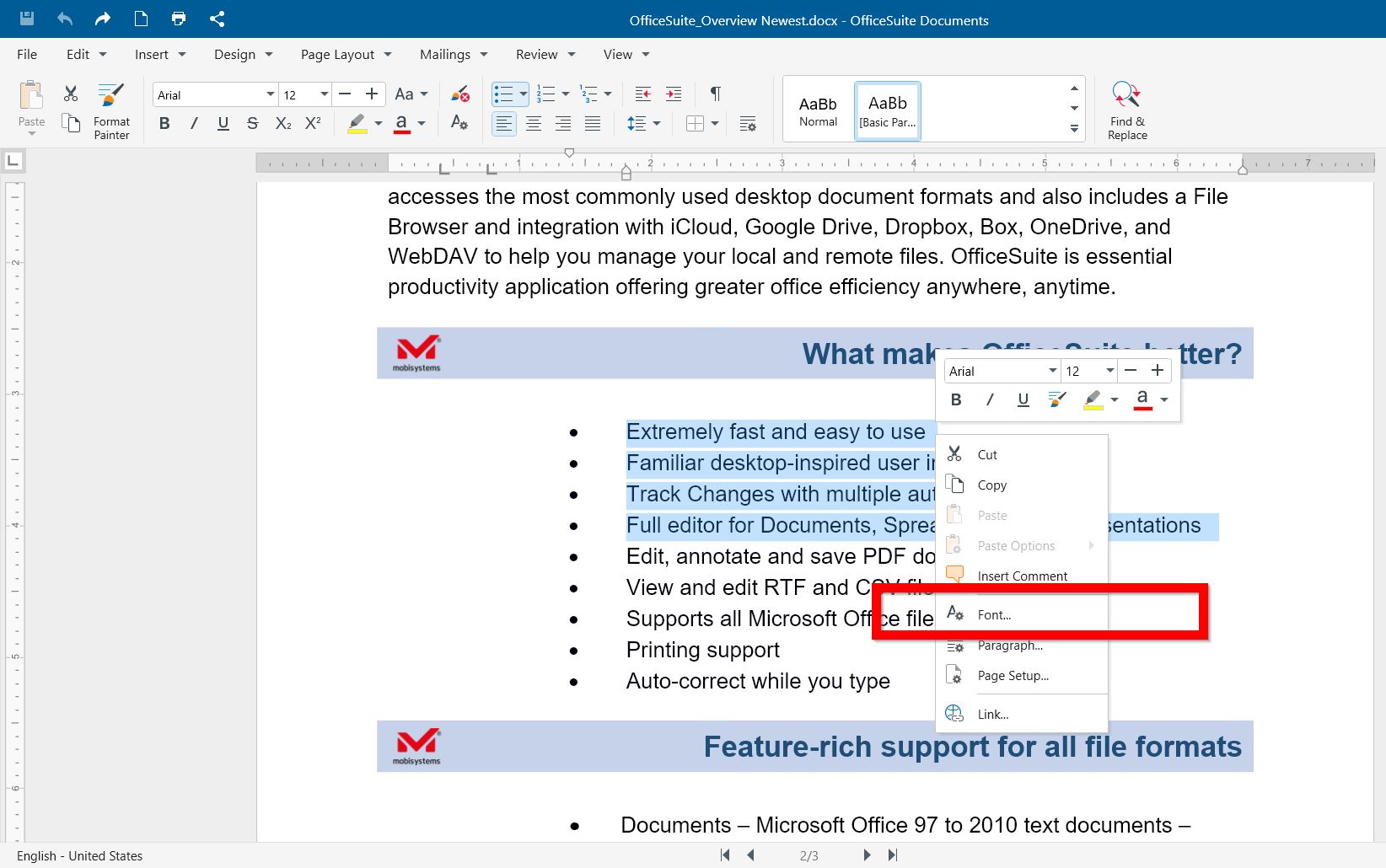
4. Select the font type, color, size, and other options from the box. Click OK.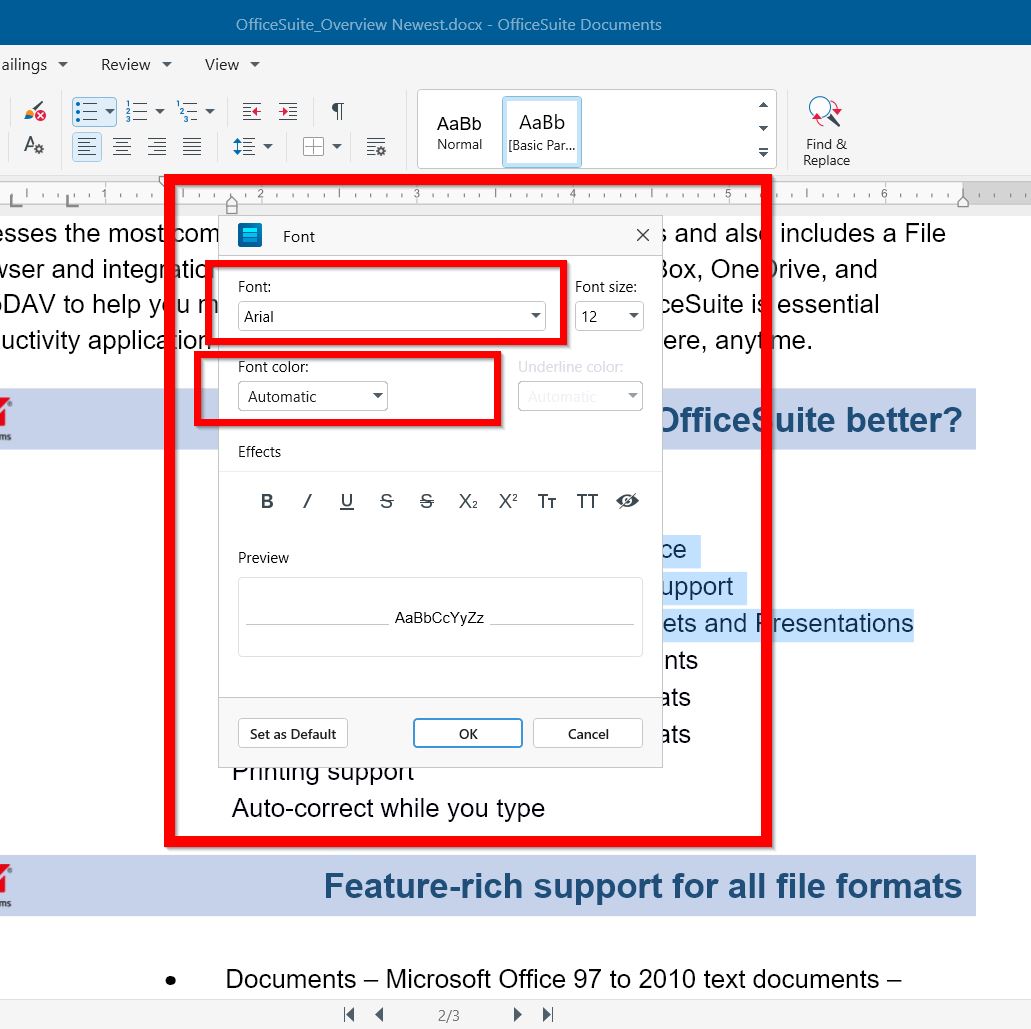
*Alternatively Select the text, click the fonts dropdown, and choose a font.