You may want to change the background color of a cell or a number of cells.
1. Select the cells in which you want to add, change, or remove the fill color.
2. On the Table tab, click Shading, or right-click, click the Table Shade Color icon.
3. Under Theme Colors or Standard Colors, select the shading color you want.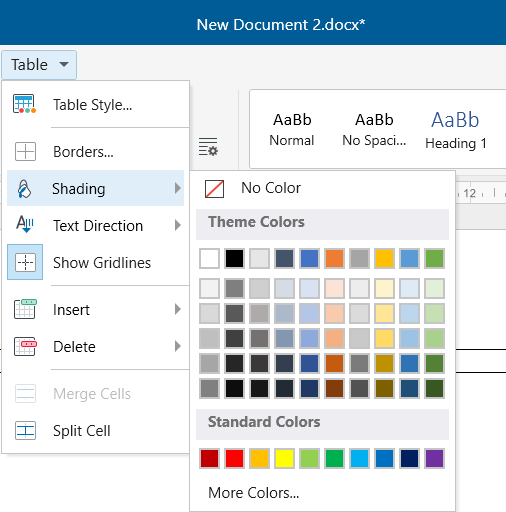
To remove the fill color, click No Fill on top.
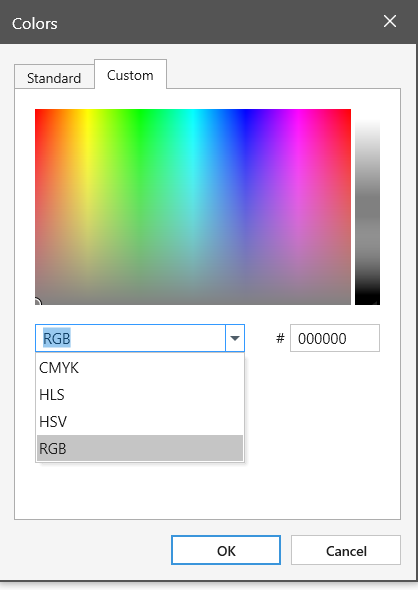
For more color options, click More Colors. Choose a color from the color pallet, or click Custom to apply a specific RGB, CMYK, HLS, HSB color code.