Make your MobiDrive files available offline on iOS
Make a spreadsheet available offline
You can make your MobiDrive-stored files available offline.
1. Open OfficeSuite. On the Files tab, select MobiDrive.
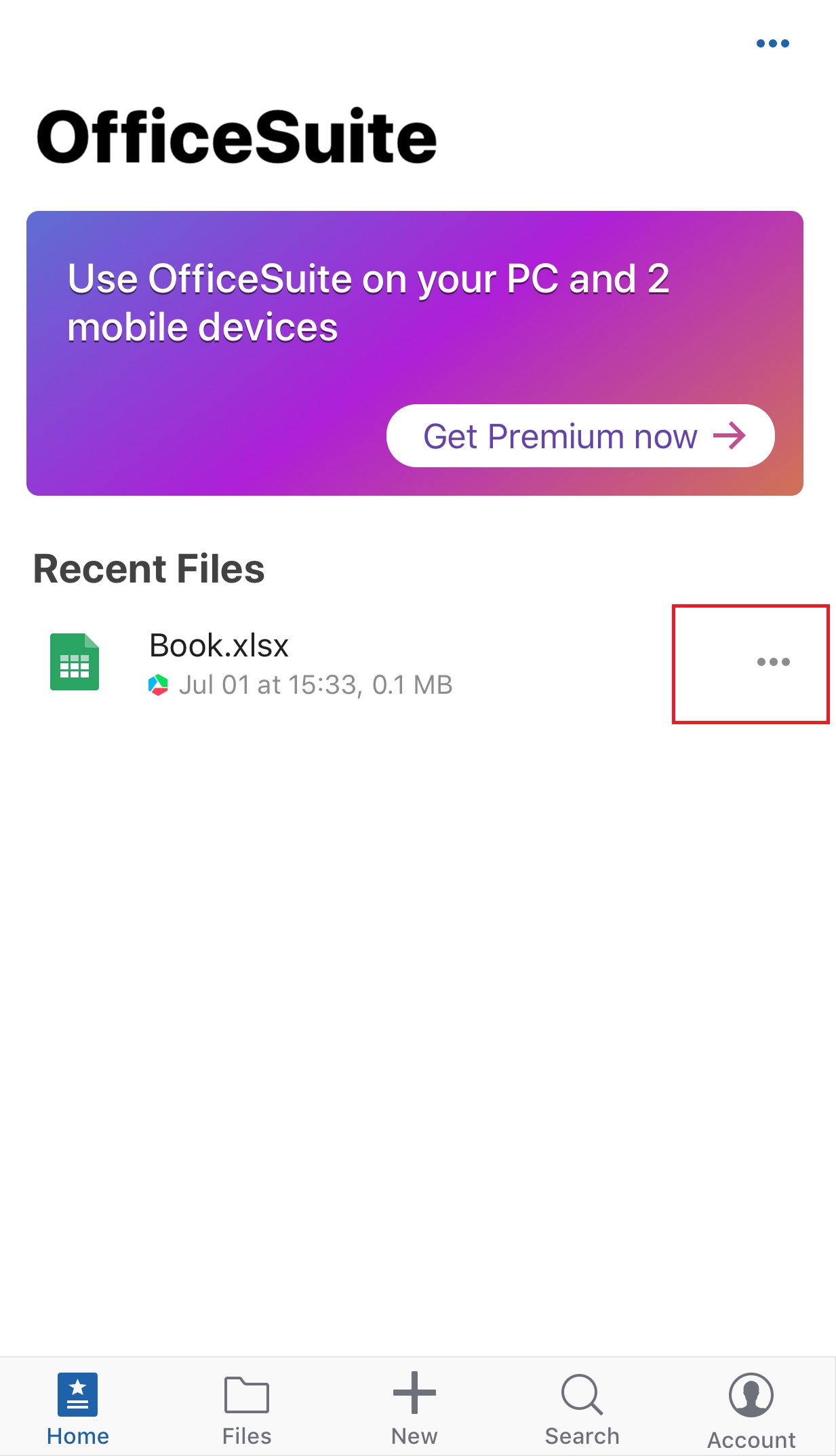
2. Tap the file menu for additional options.
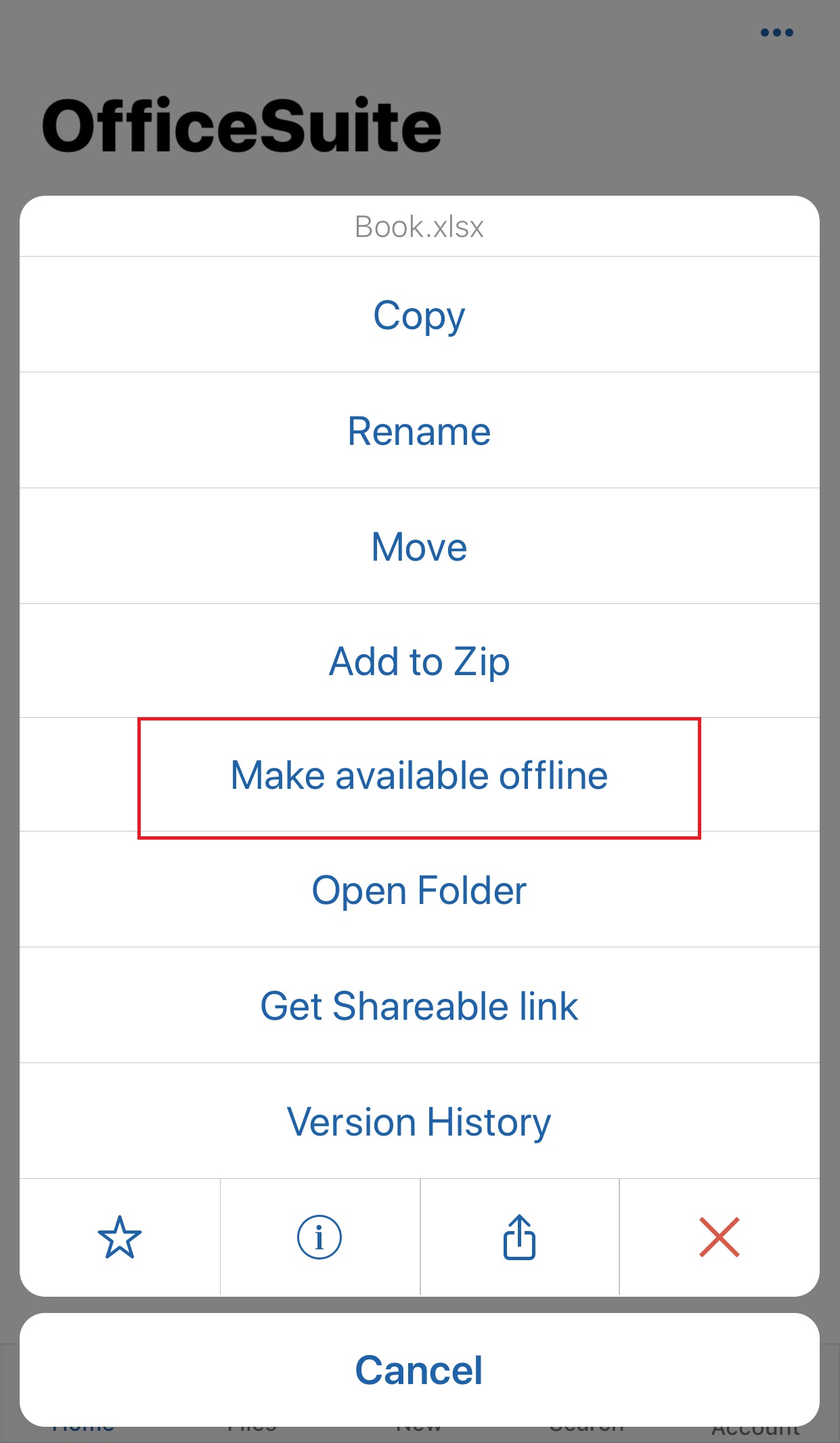
3. Tap Make available offline.
 |
 |