How to use Auto Fill in Sheets? iOS
Instead of entering all your data manually, you can use the AutoFill feature to fill cells with data that follows a pattern. Note that AutoFill works with numeric data, but not text.
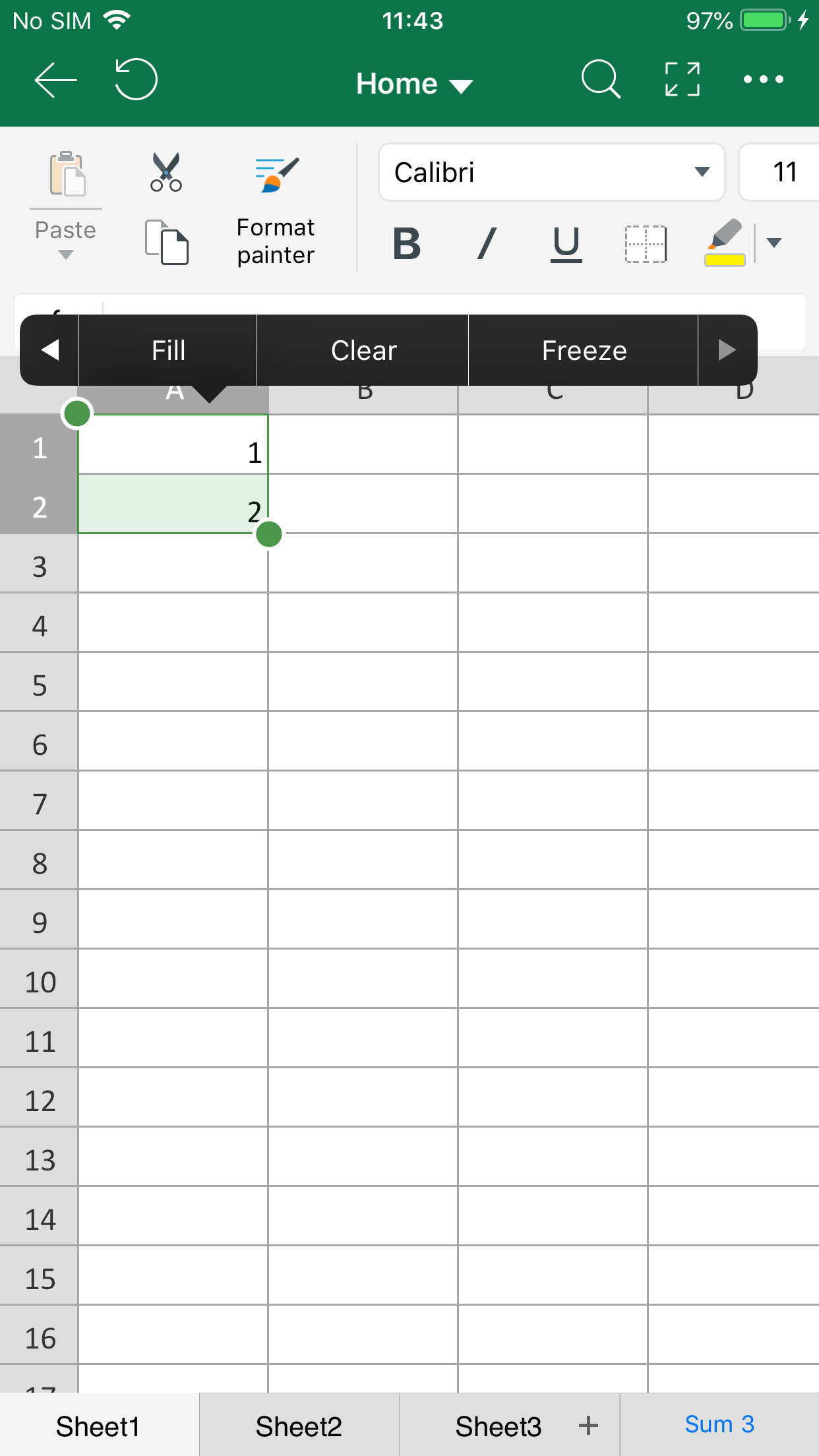
- Select one or more cells you want to use as a basis for filling additional cells.
- Tap Fill on the floating toolbar.
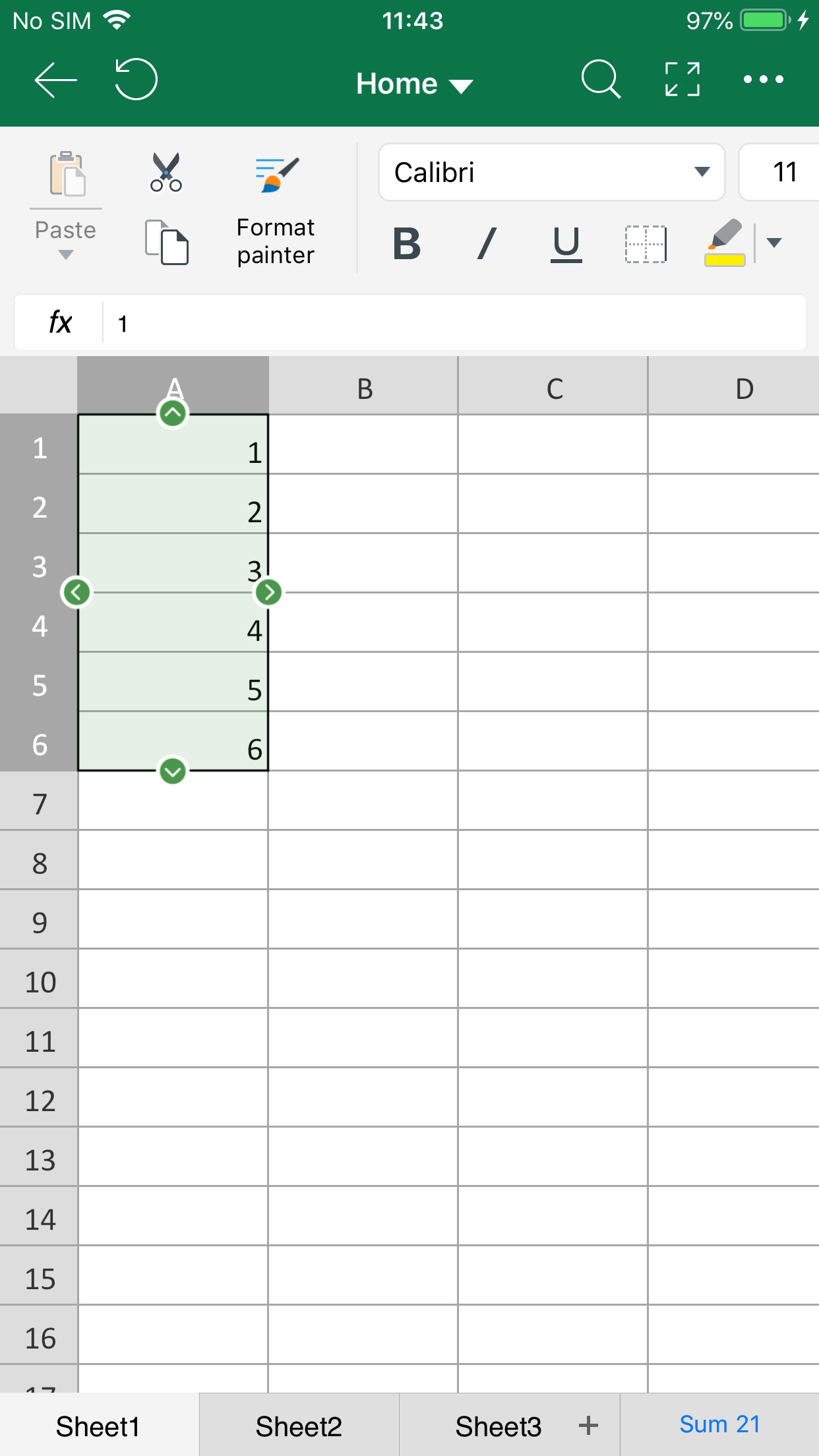
- Drag the handle vertically or horizontally.
 |
 |