Password-protect a spreadsheet iOS
OfficeSuite lets you protect your Spreadsheet on a file level, allowing no one to view the file, unless they have the password.
Password-protect a Spreadsheet
-
Open the Spreadsheet.
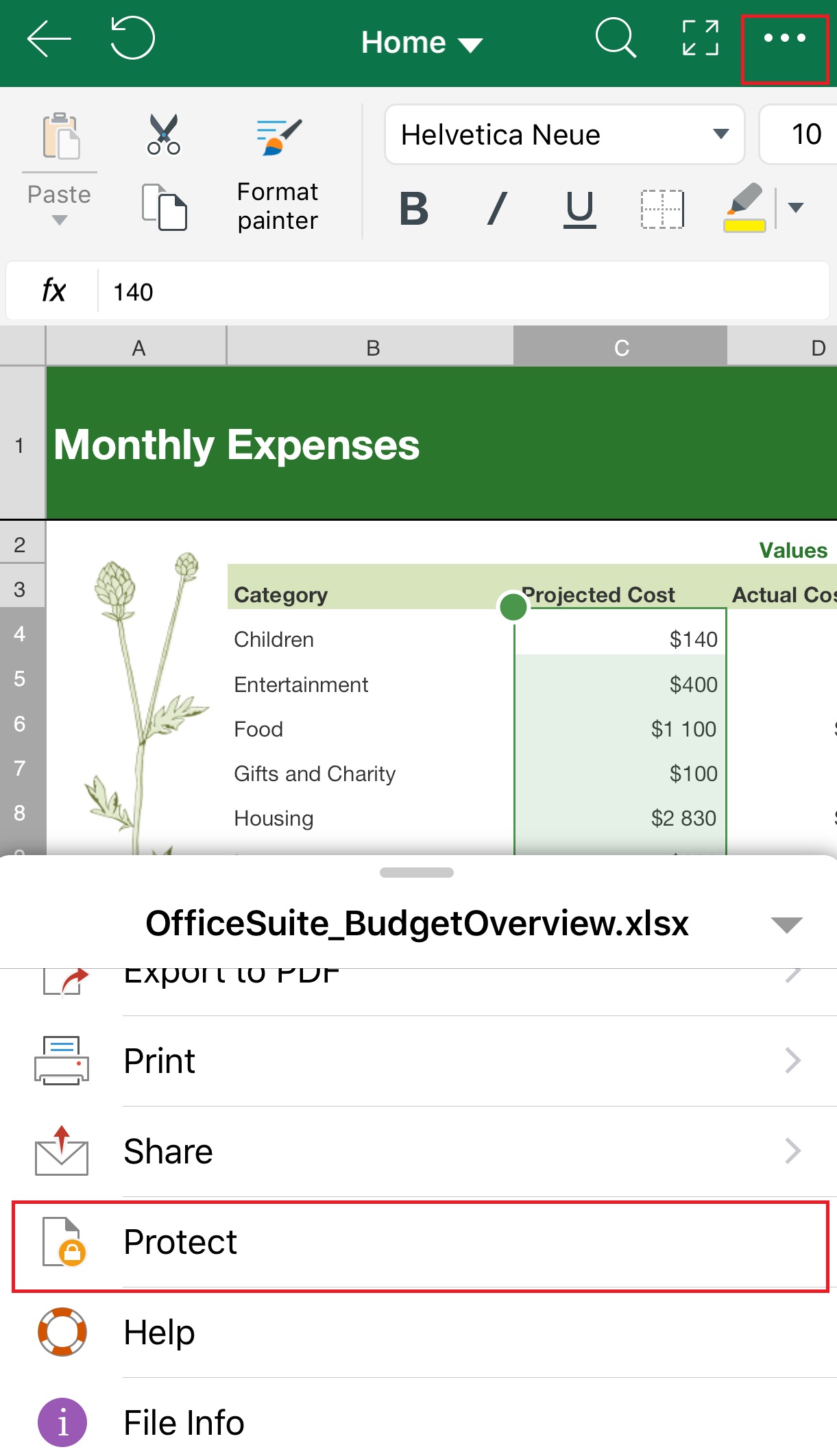
Tap the menu in the top right. Tap Protect. - Type and retype the password.
- Tap OK.
- Save or Save as the Spreadsheet.