Insert a link in Sheets iOS
1. Open your Sheets file and tap the Tab dropdown.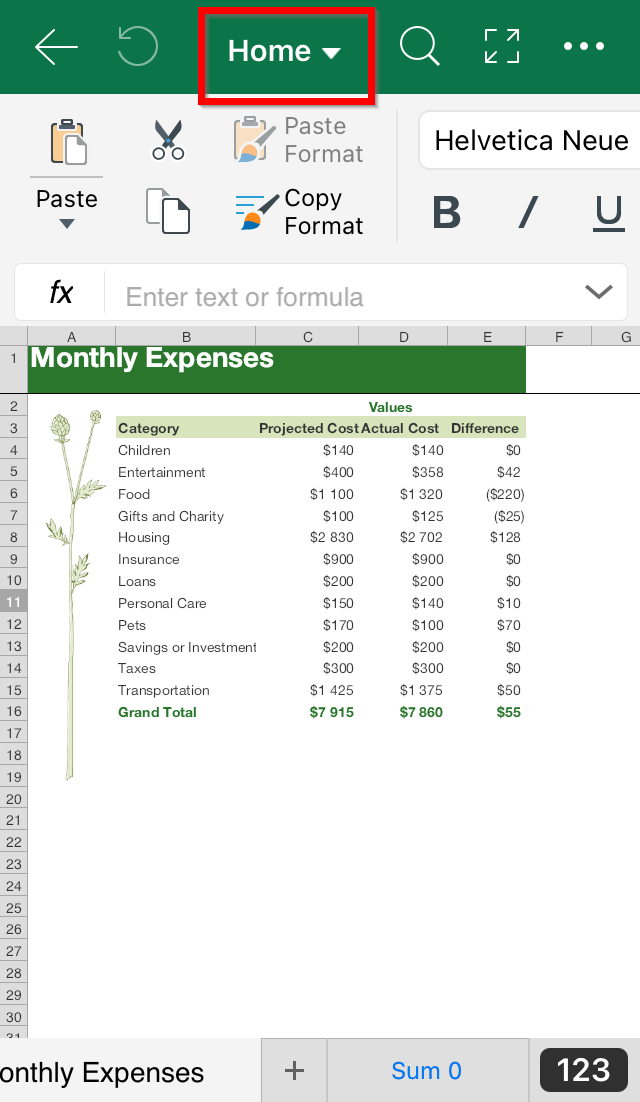
2. Tap Insert.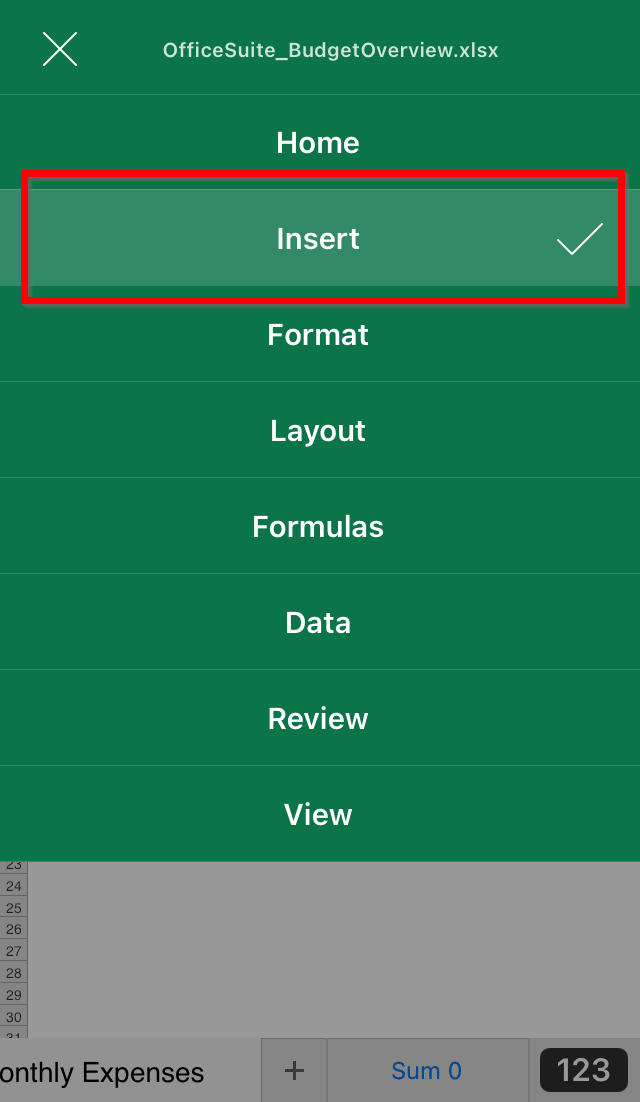
3. Tap where you want to position the link and tap Link.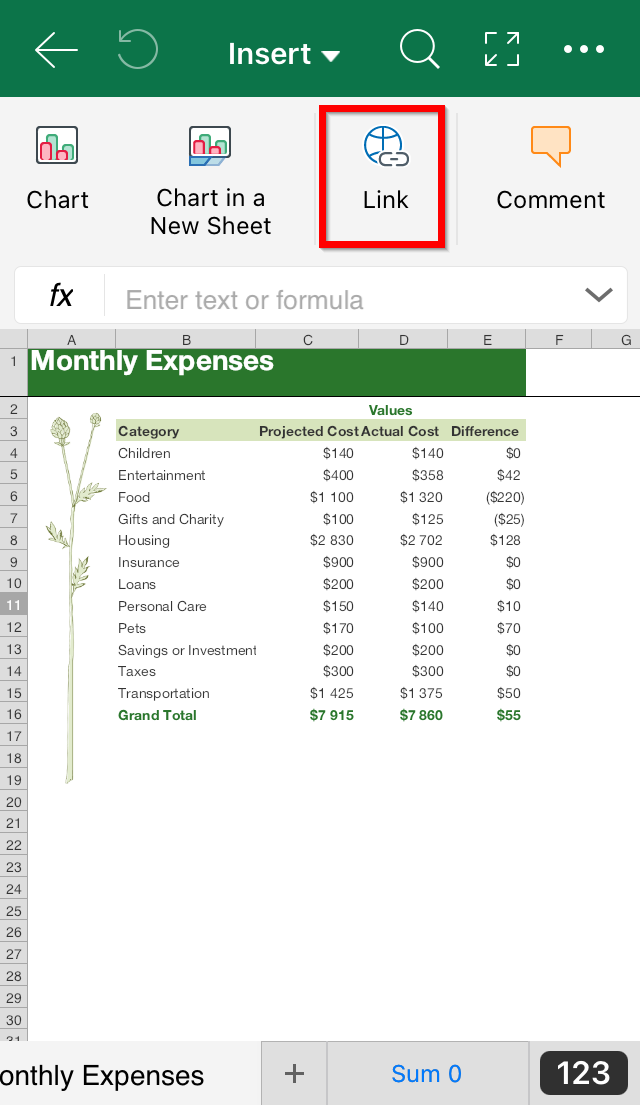
4. Tap URL.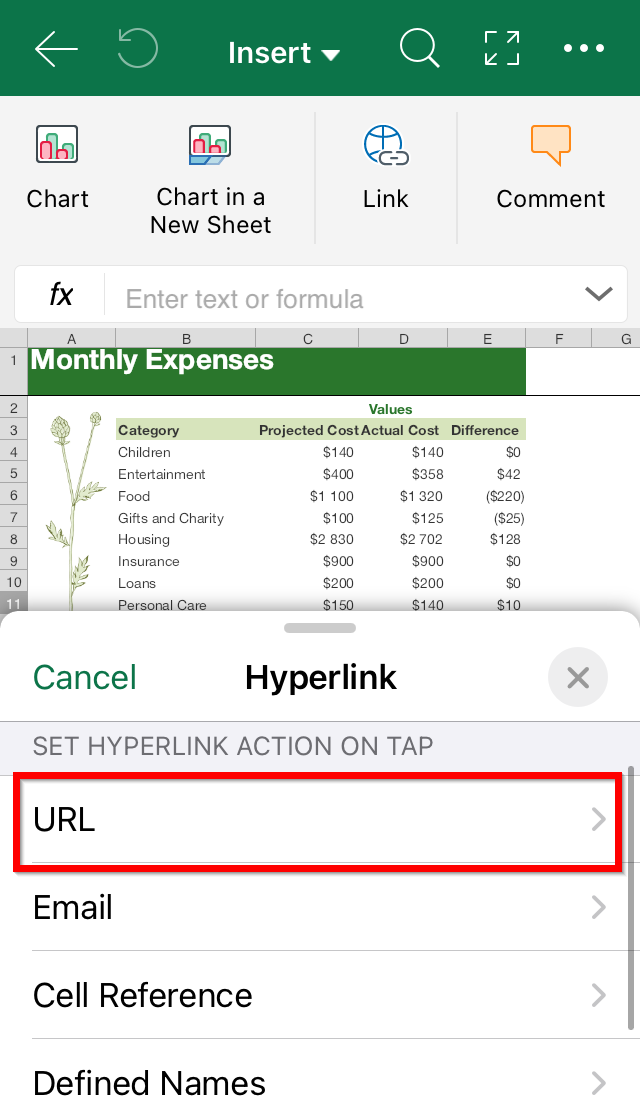
5. Type or paste the URL address you want. Type Done.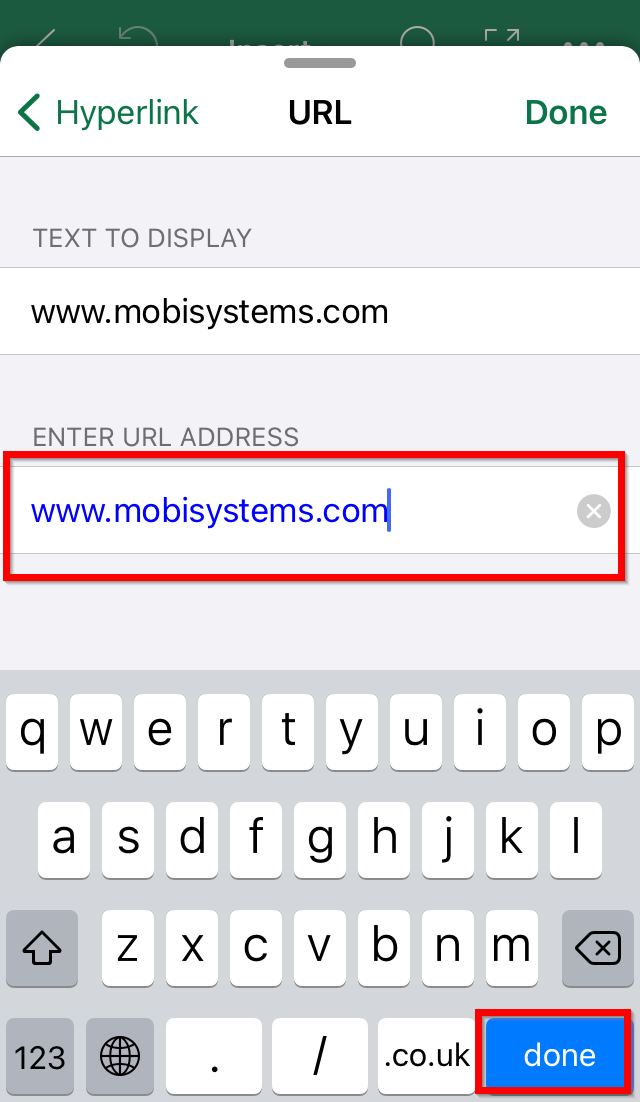
Insert a link in Sheets iOS
1. Open your Sheets file and tap the Tab dropdown.
2. Tap Insert.
3. Tap where you want to position the link and tap Link.
4. Tap URL.
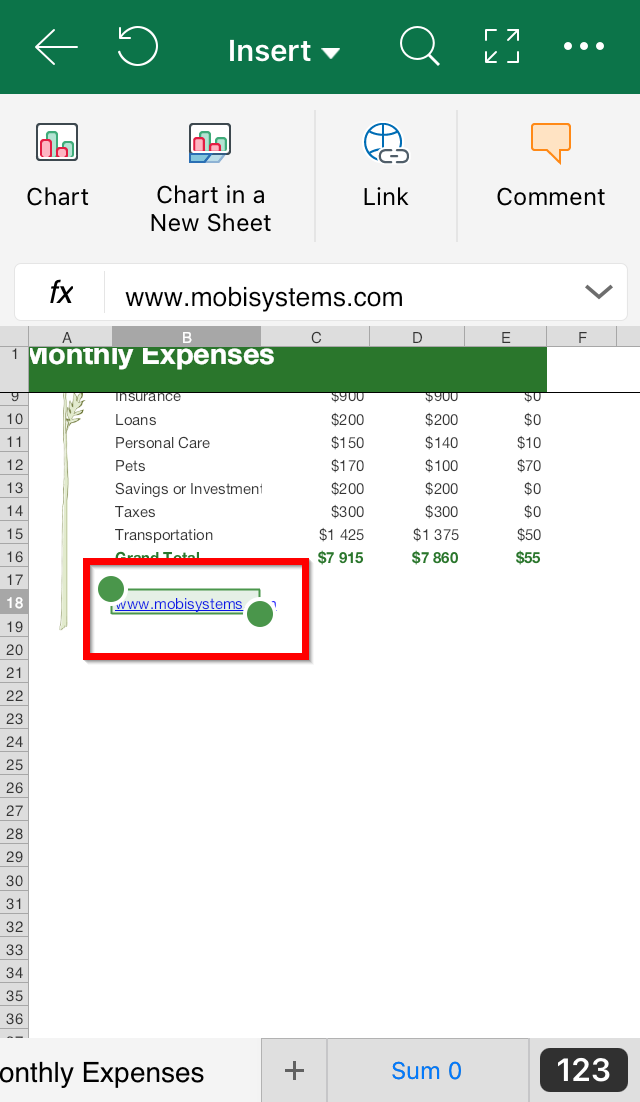
5. Type or paste the URL address you want. Type Done.