1. Open a Documents file.
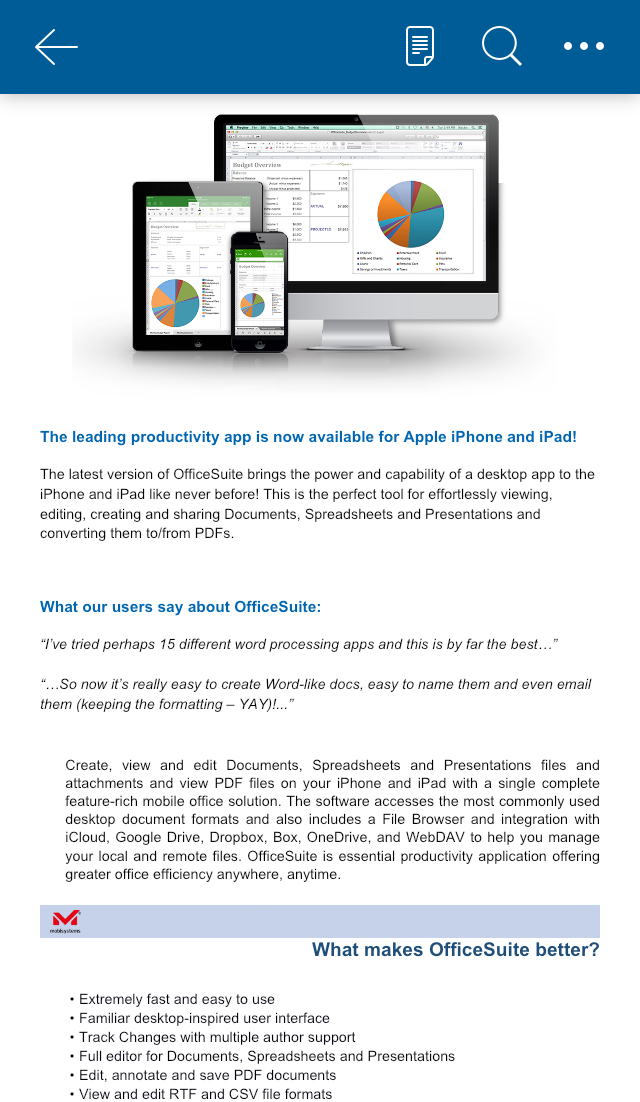
2. Click where you want to insert the text box.
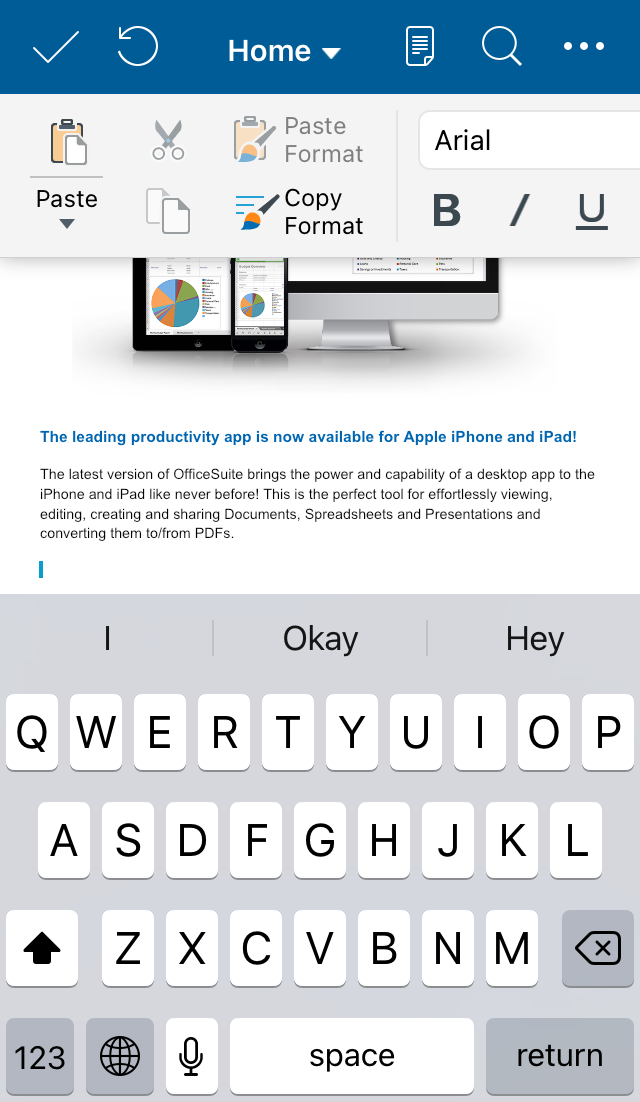
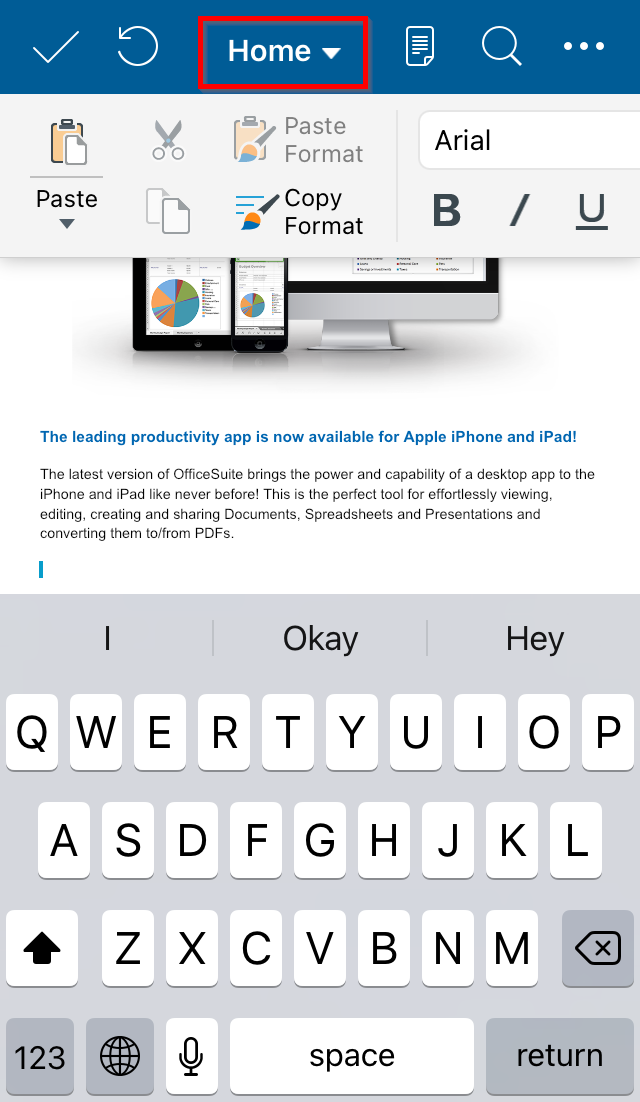
3. Select the Insert tab.
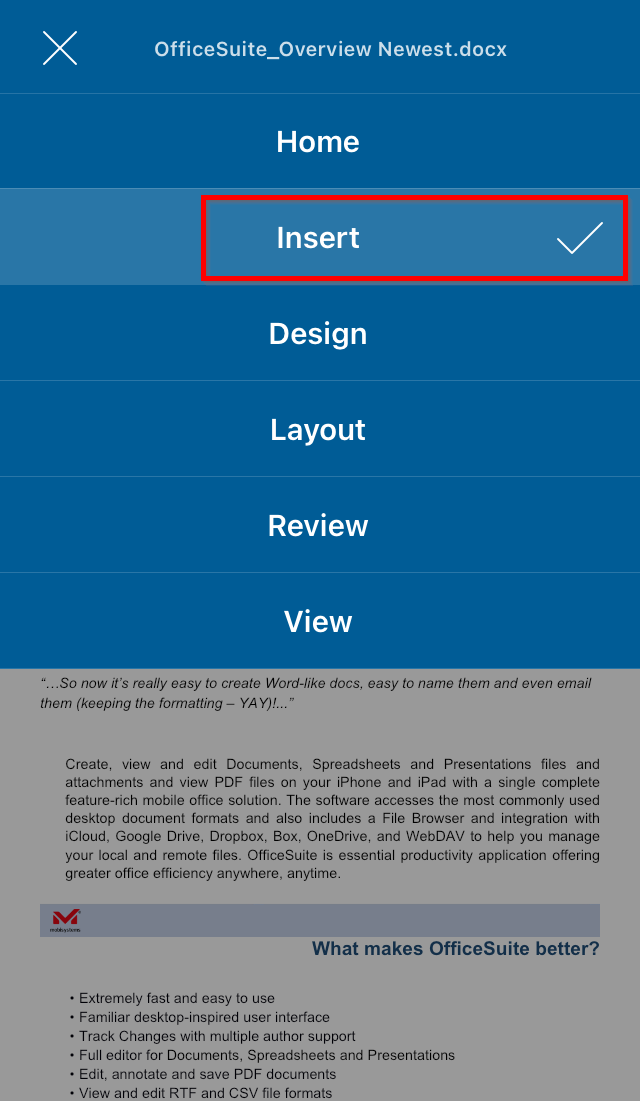
4. Select the Text Box option.
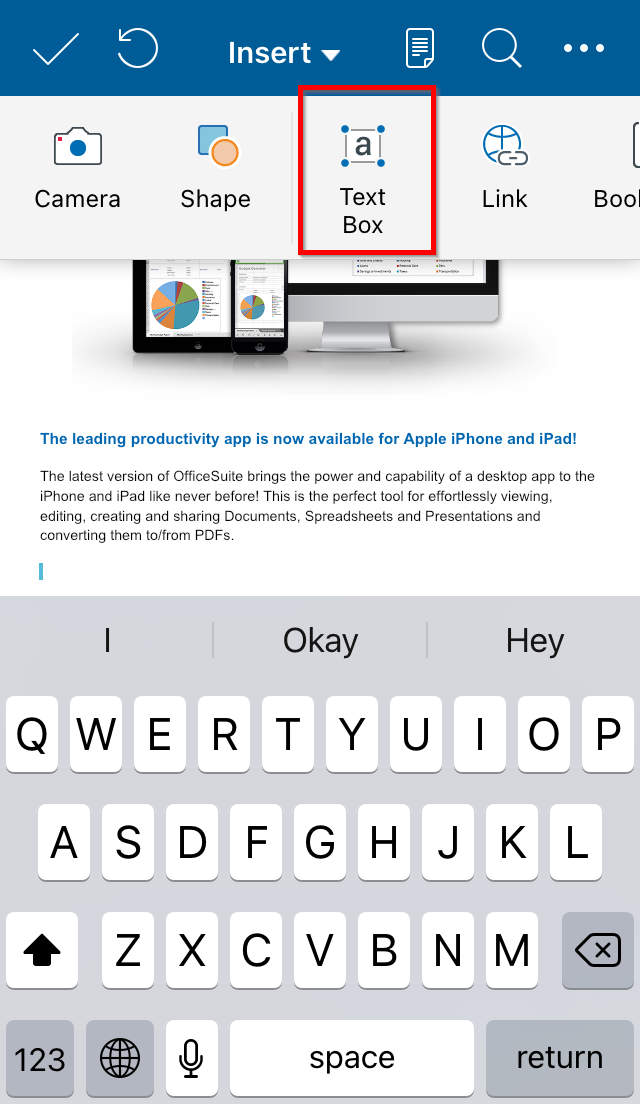
5. Double-tap in the box to type text.
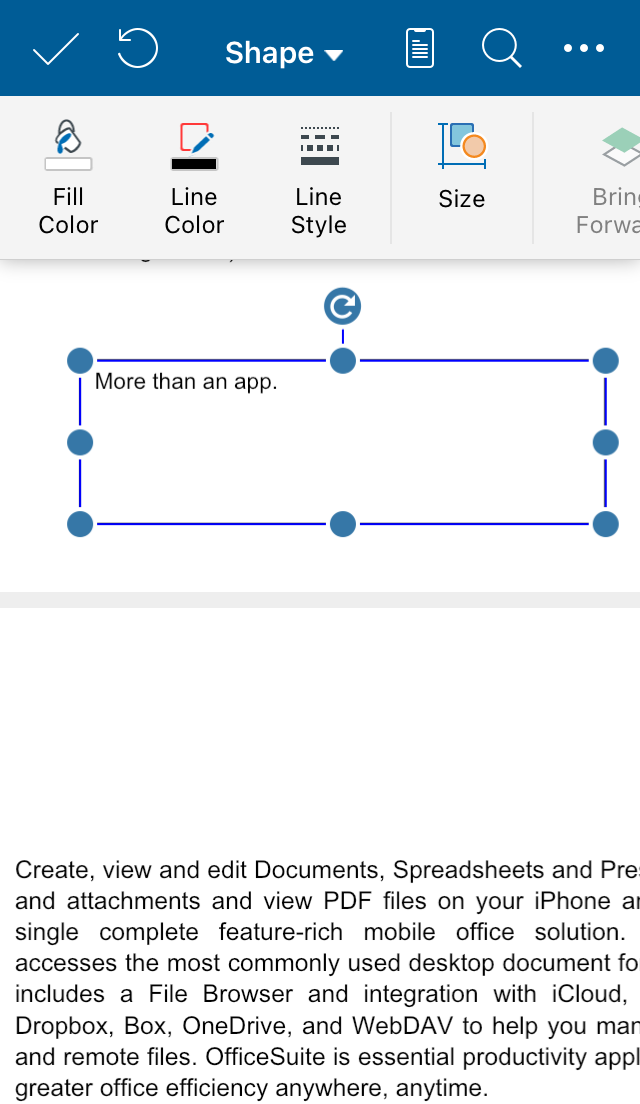
*The text box will appear in default size.
To move the box:
Tap and hold the text box and slide to the wanted position.
To resize the box:
1. Tap the box to see the resizing points.
2. Tap and hold on whichever you want of the points and drag to the wanted size.