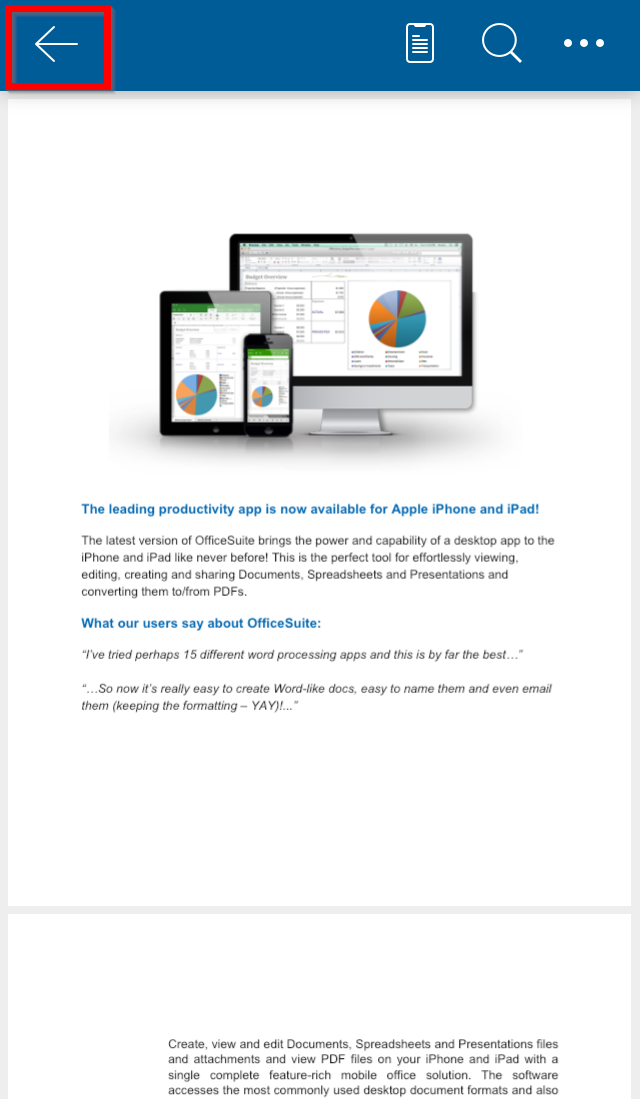
You can save your progress in an OfficeSuite Documents file with a few simple steps.
1. Open your Documents file.
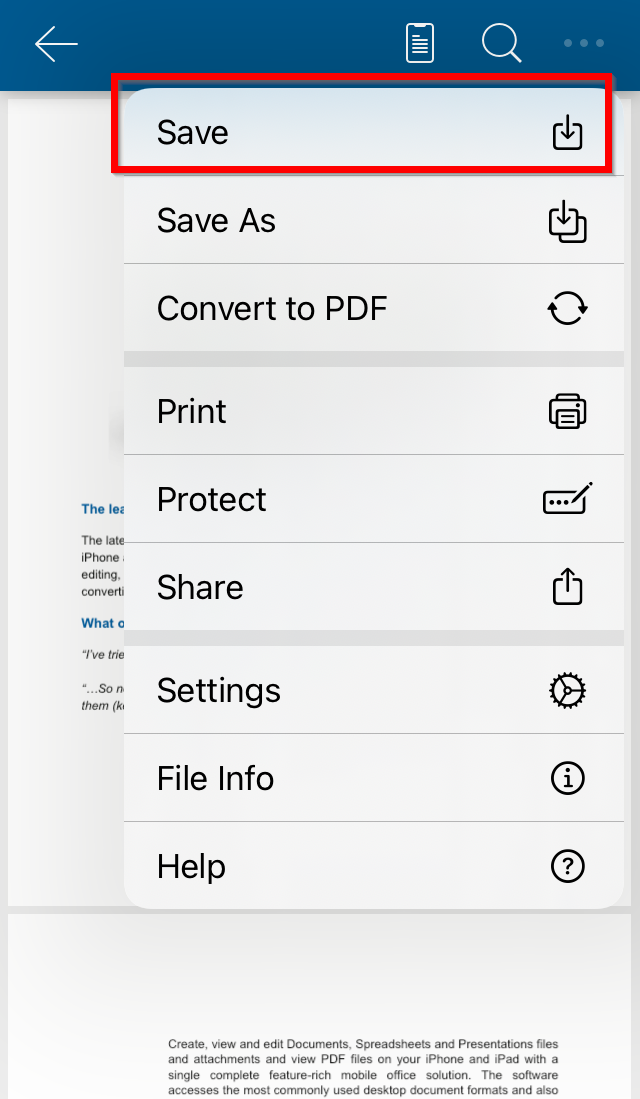
2. After making changes, tap File menu.
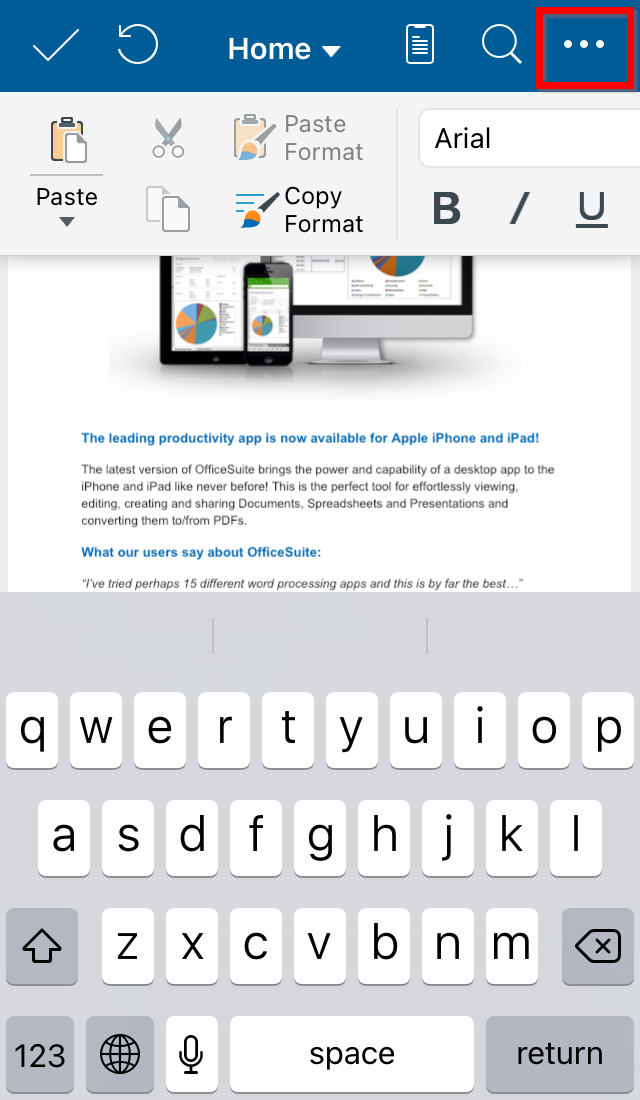
3. Select Save.
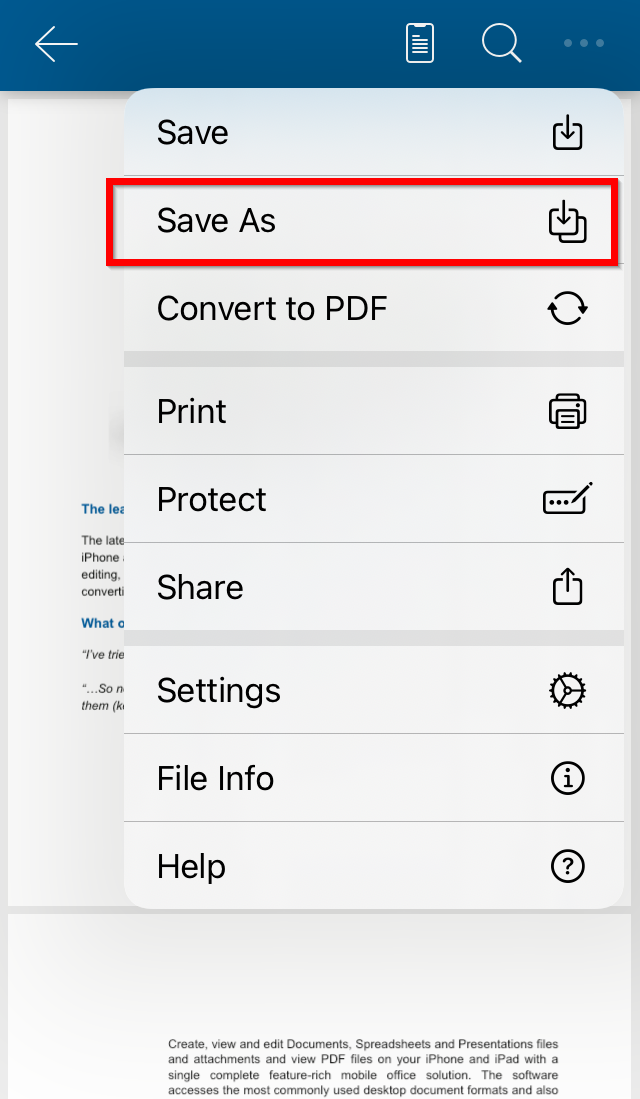
If you want to save your changes in another file:
1. Select Save As.
2. Type a name of the file.
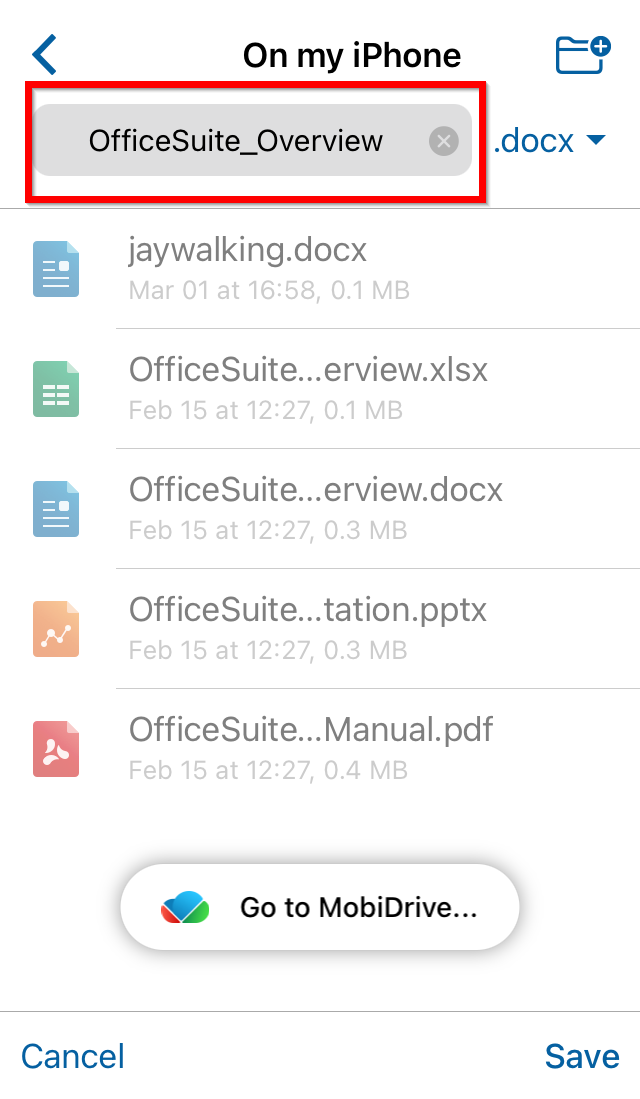
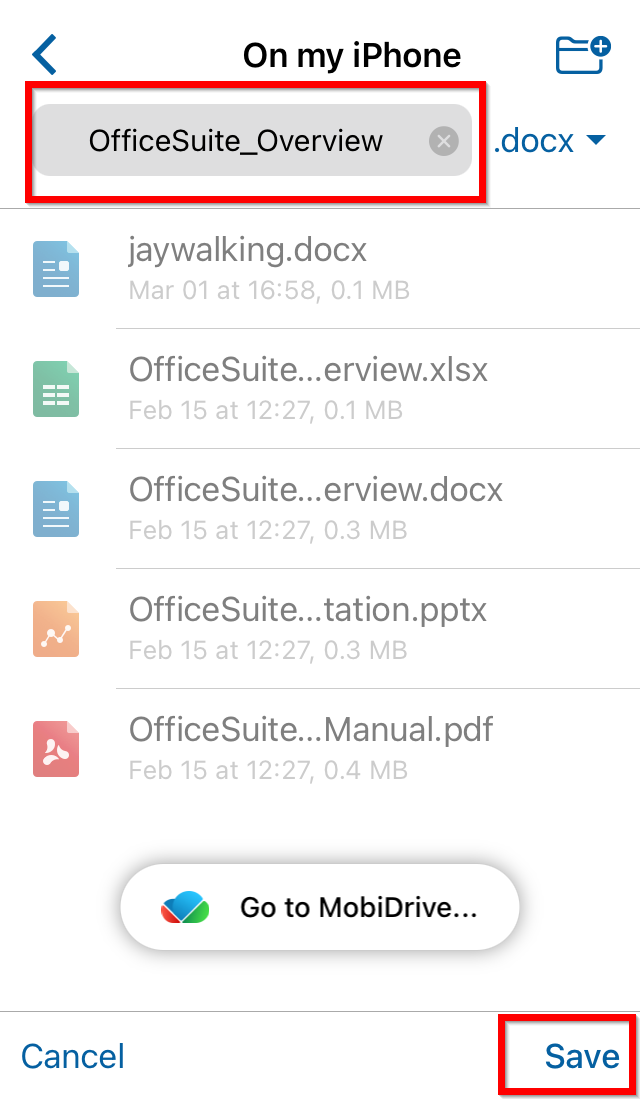
3. Tap Save.
To close a file, tap on the Back icon.