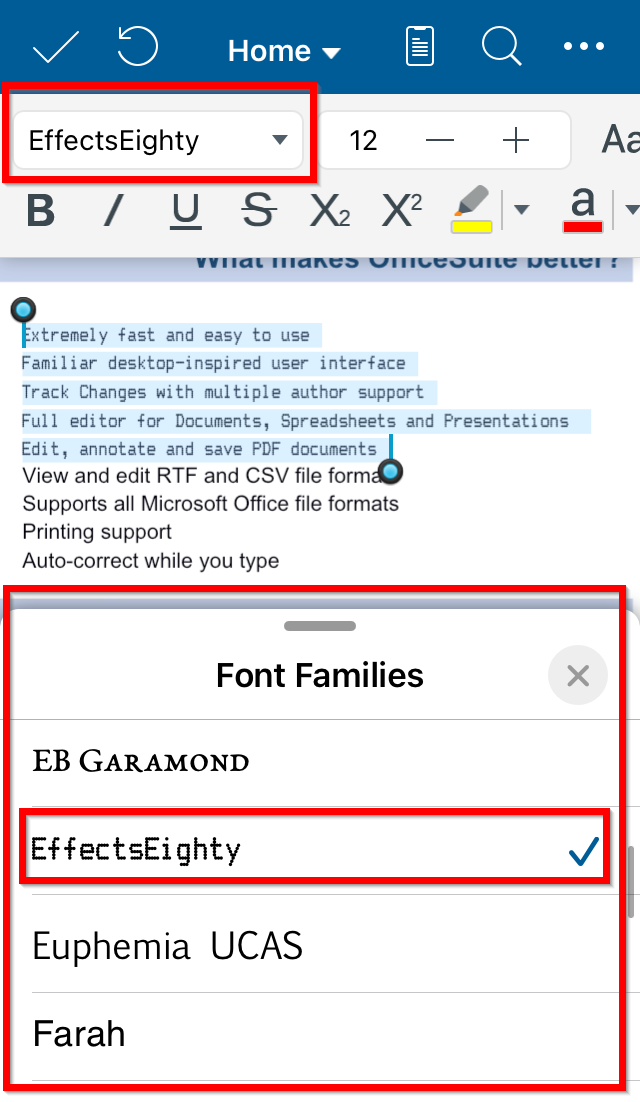
To change the font of selected text in Documents, Slides, Spreadsheet in OfficeSuite:
1. Open OfficeSuite on your iOS device.
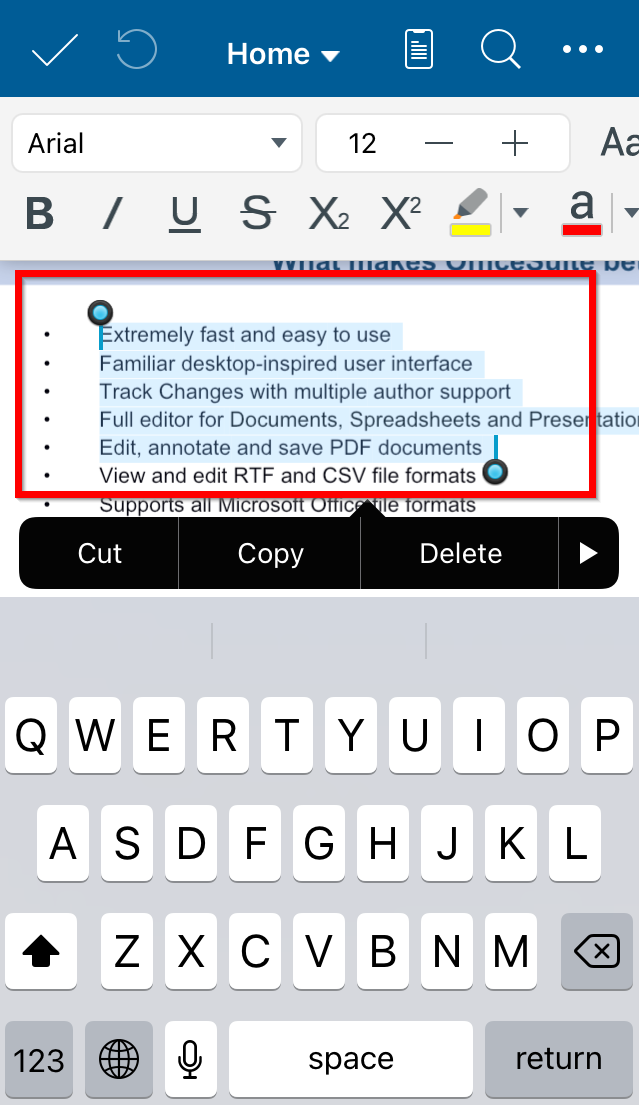
2. Select the text or cells with the text you want to change.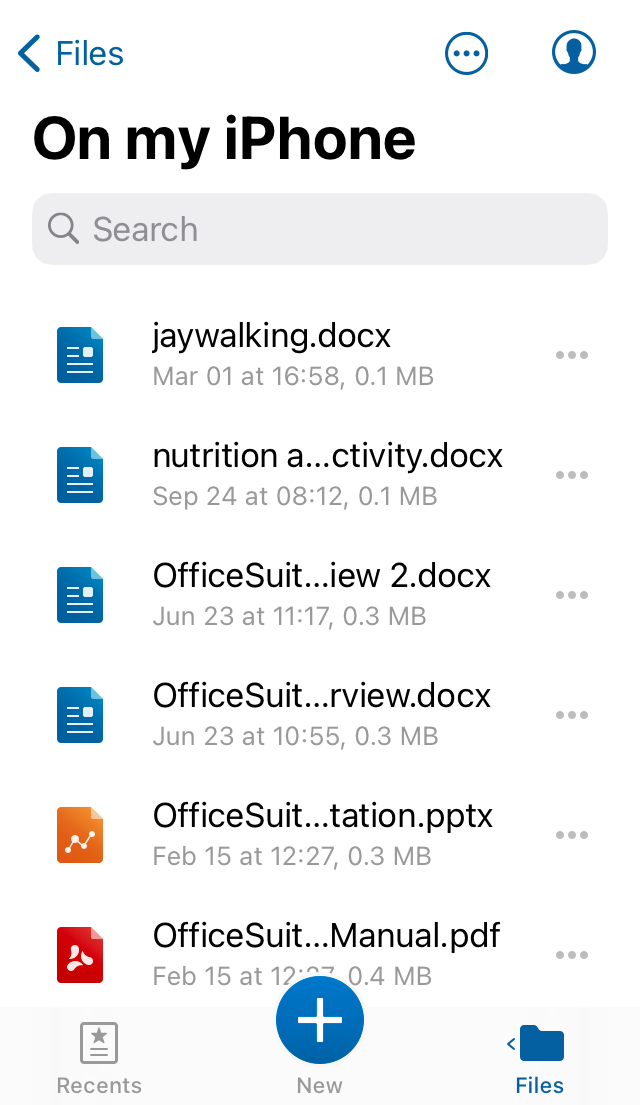
3. Double-tap and use the dragging handles to select text.
4. Tap the fonts dropdown and select font.