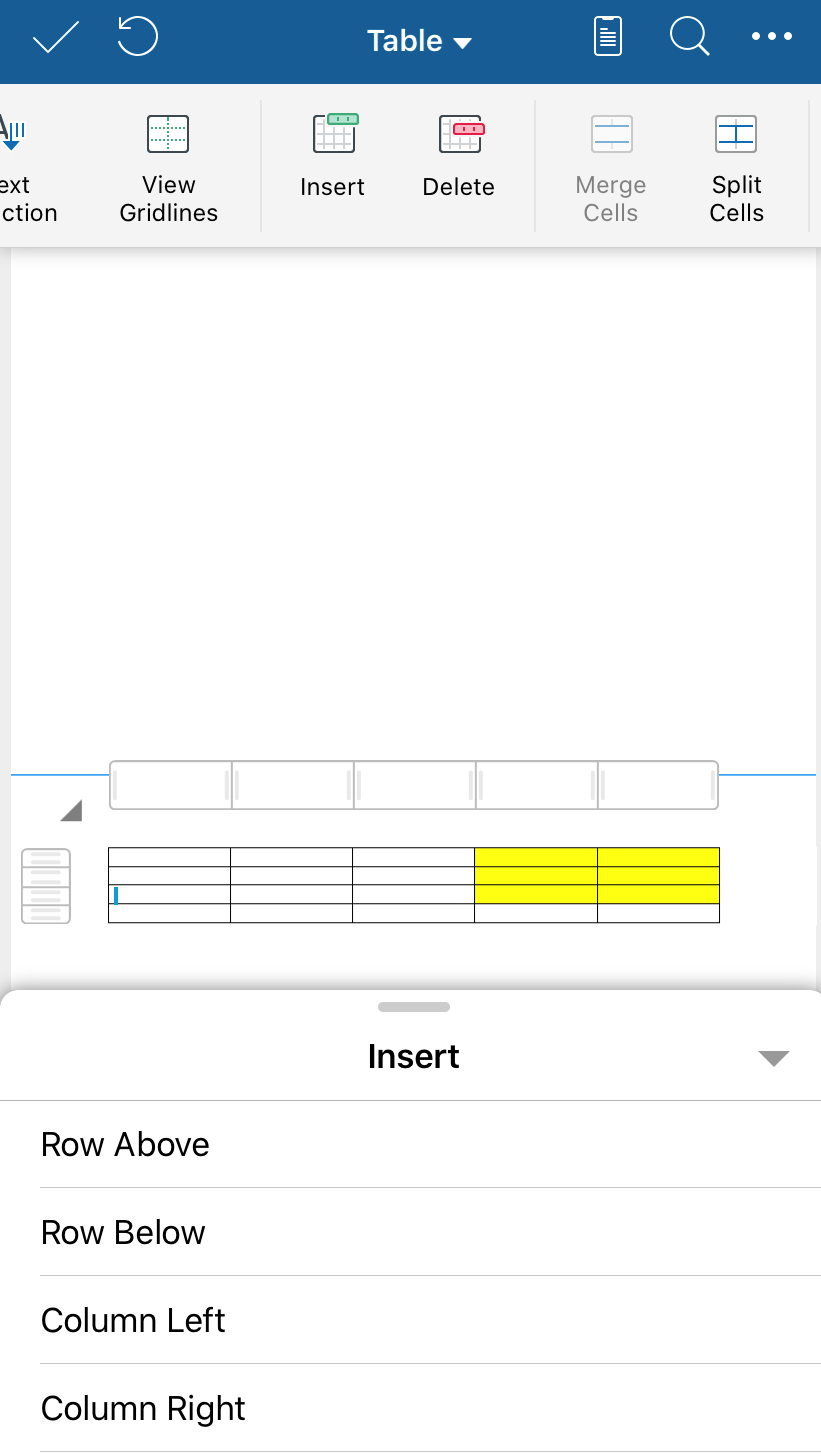
1. Place the cursor in a cell.
2. On the Table tab, tap Insert. Choose:
- Row Above to add a row just above the cell.
- Row Below to add a row just below the cell.
- Column Left to add a column just to the left of the cell.
- Column Right to add a column just to the right of the cell.