1. Open a Documents file on your device.
2. On Home Tab, select the Format Font icon.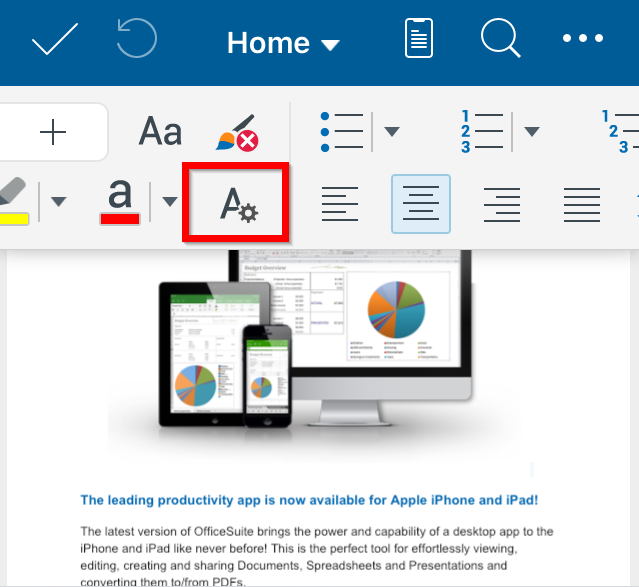
3. Slide upwards to see all the Format Font menu options.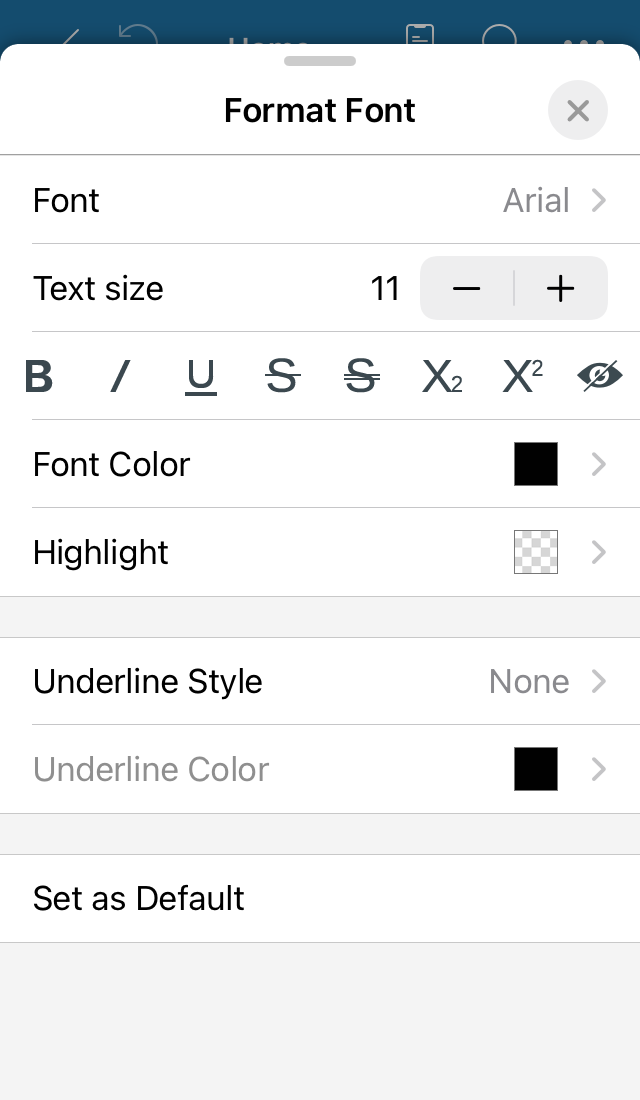
4. Choose the font type, font size, etc.
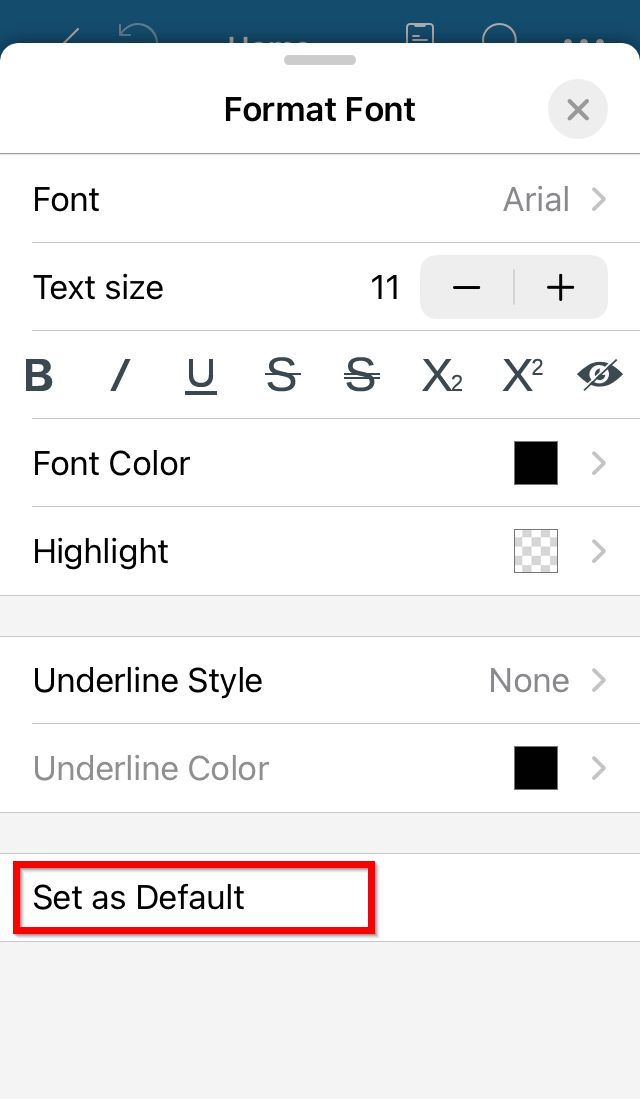
5. To save your font changes and use them as default font, tap Set as Default.