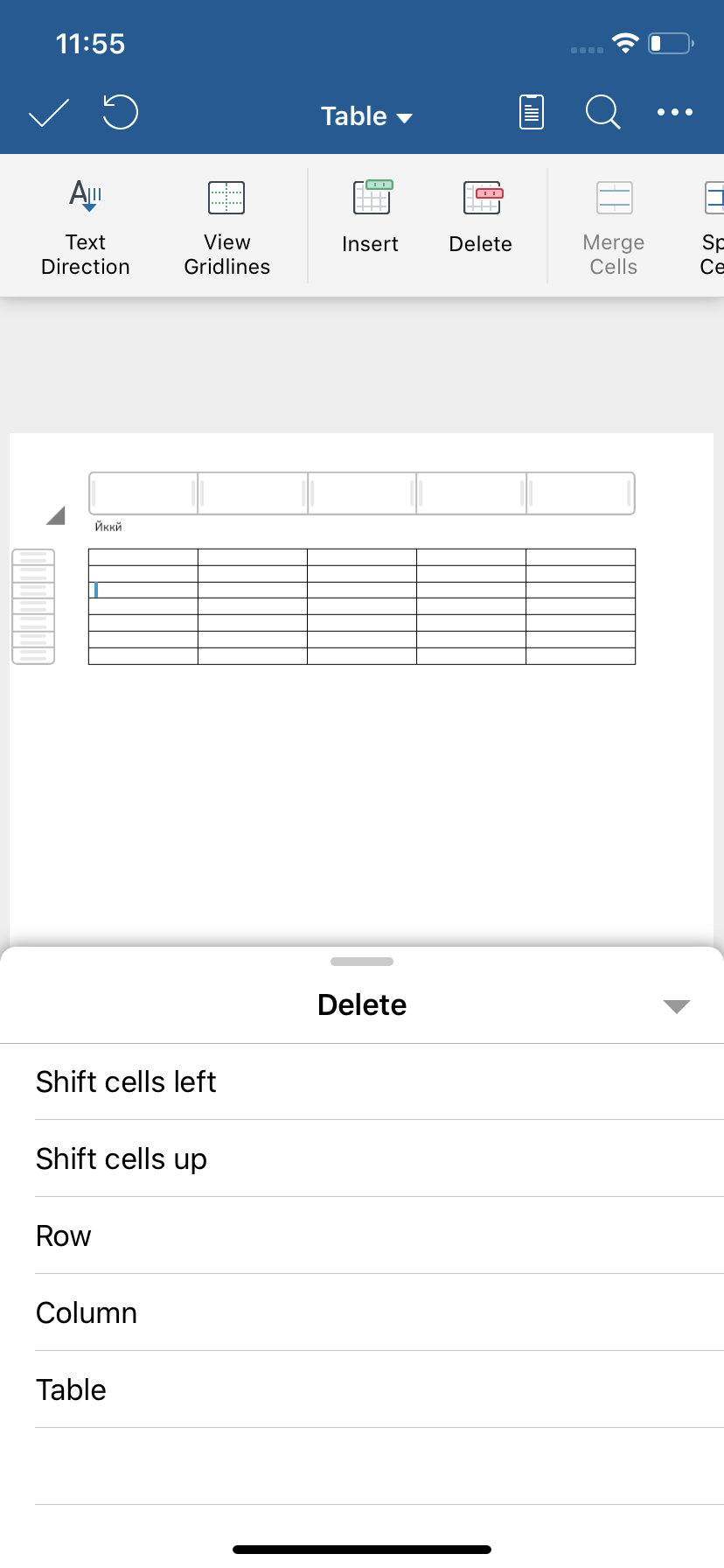
1. Place the cursor in a cell.
2. On the Table tab, tap Delete. Choose what you want to delete.
- Shift Cells Left to shift cells in the same row to the left.
- Shift Cells Up to shift selected cells and all cells in the column above it upward.
- Delete row
- Delete column
- Delete table